Rumskrot Remote
A focused, modern VNC client for controlling your Mac from your iPhone or iPad. GPU-accelerated Metal rendering, zero install on the host — it connects to the Screen Sharing service already built into every Mac.
View release notes →
iPhone
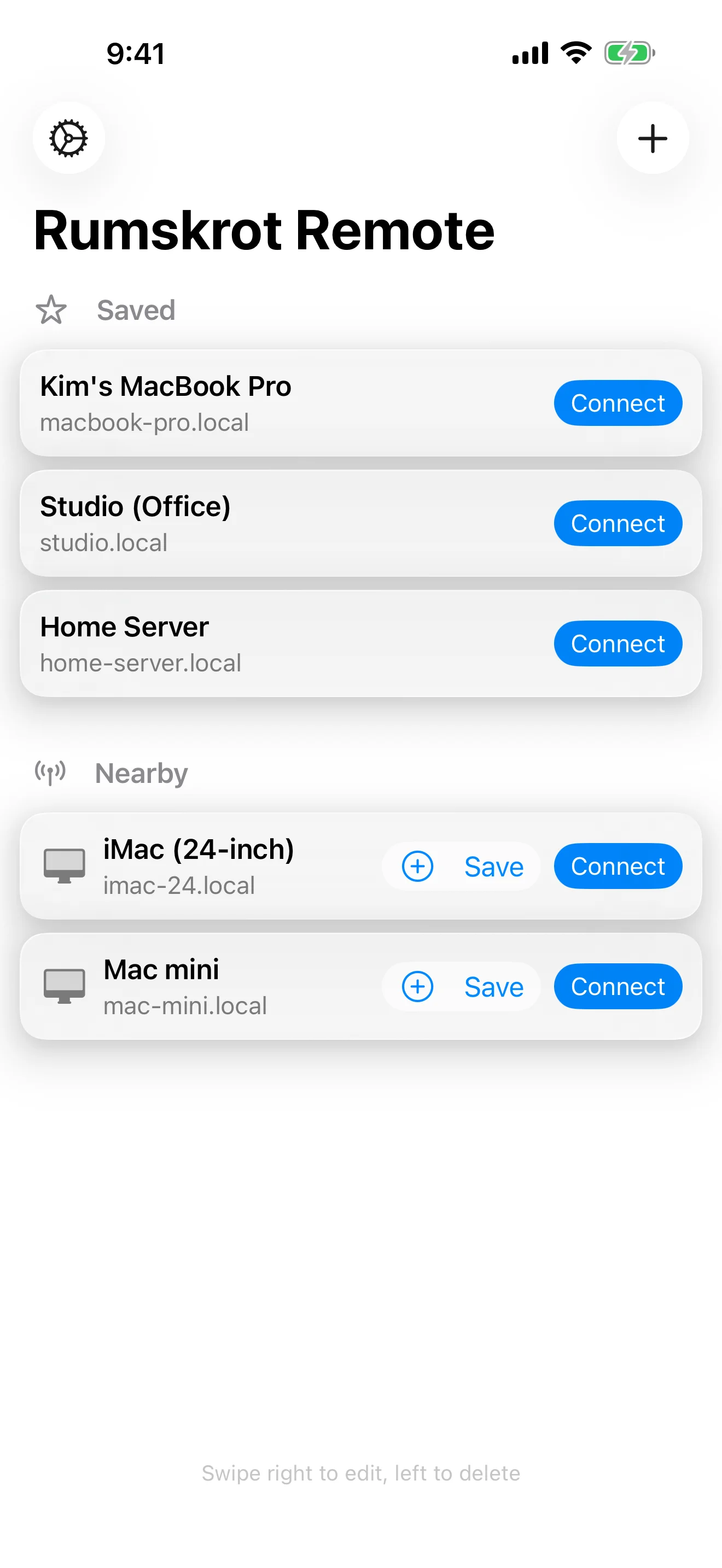
Your Macs, One Tap Away
Saved hosts and automatic discovery of nearby Macs
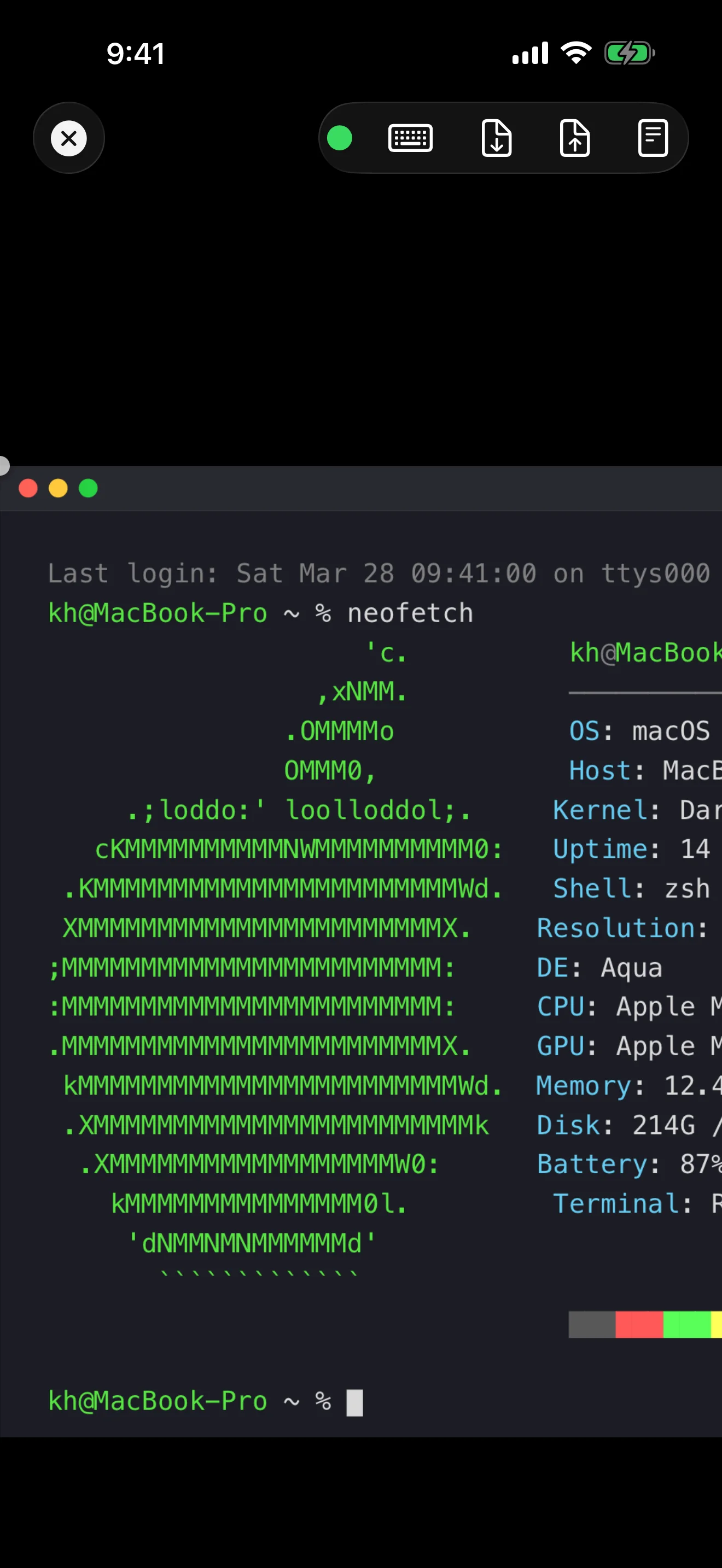
Full Remote Desktop
GPU-accelerated rendering for a smooth, responsive display
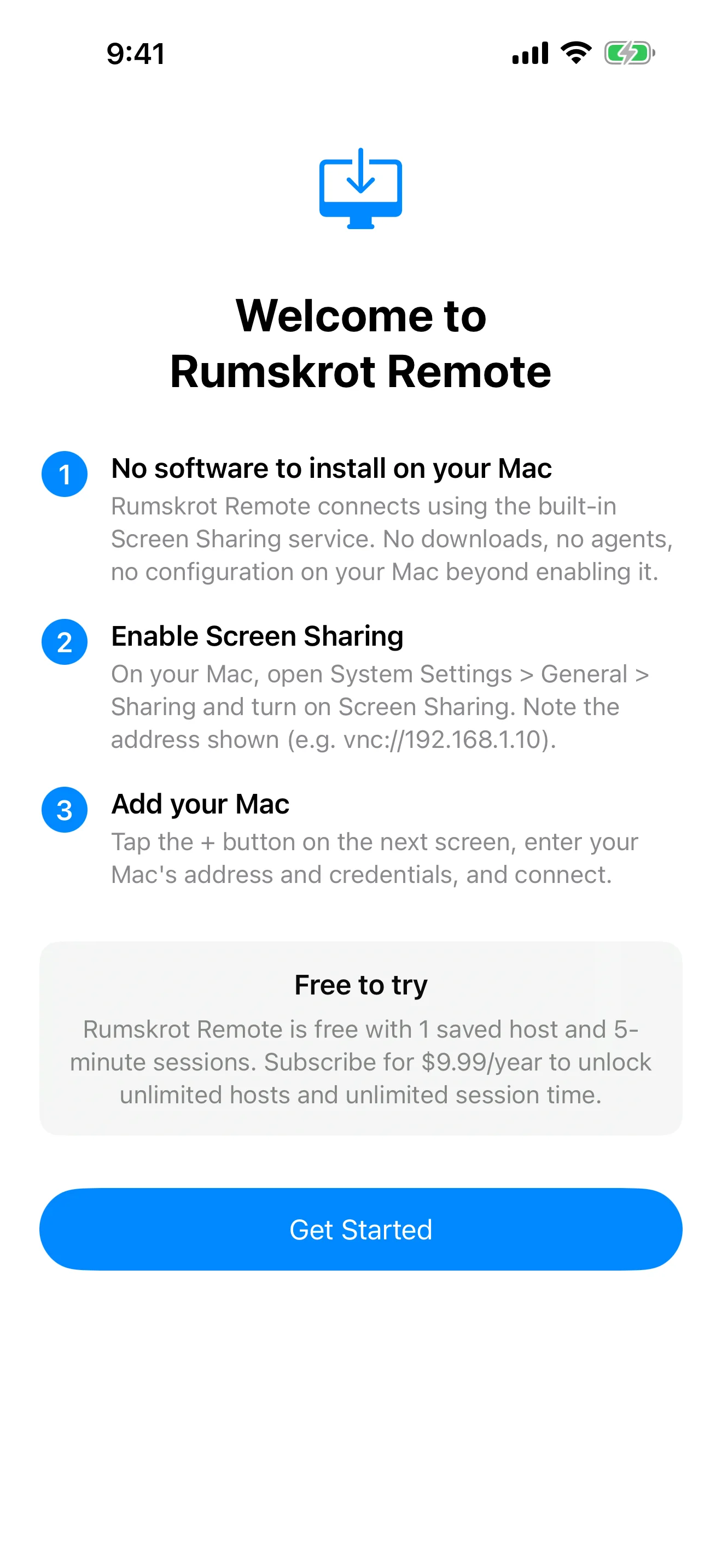
Zero Install on Your Mac
Uses the built-in Screen Sharing service — no extra software
Connect in Seconds
Enter your Mac's address and credentials — that's all it takes
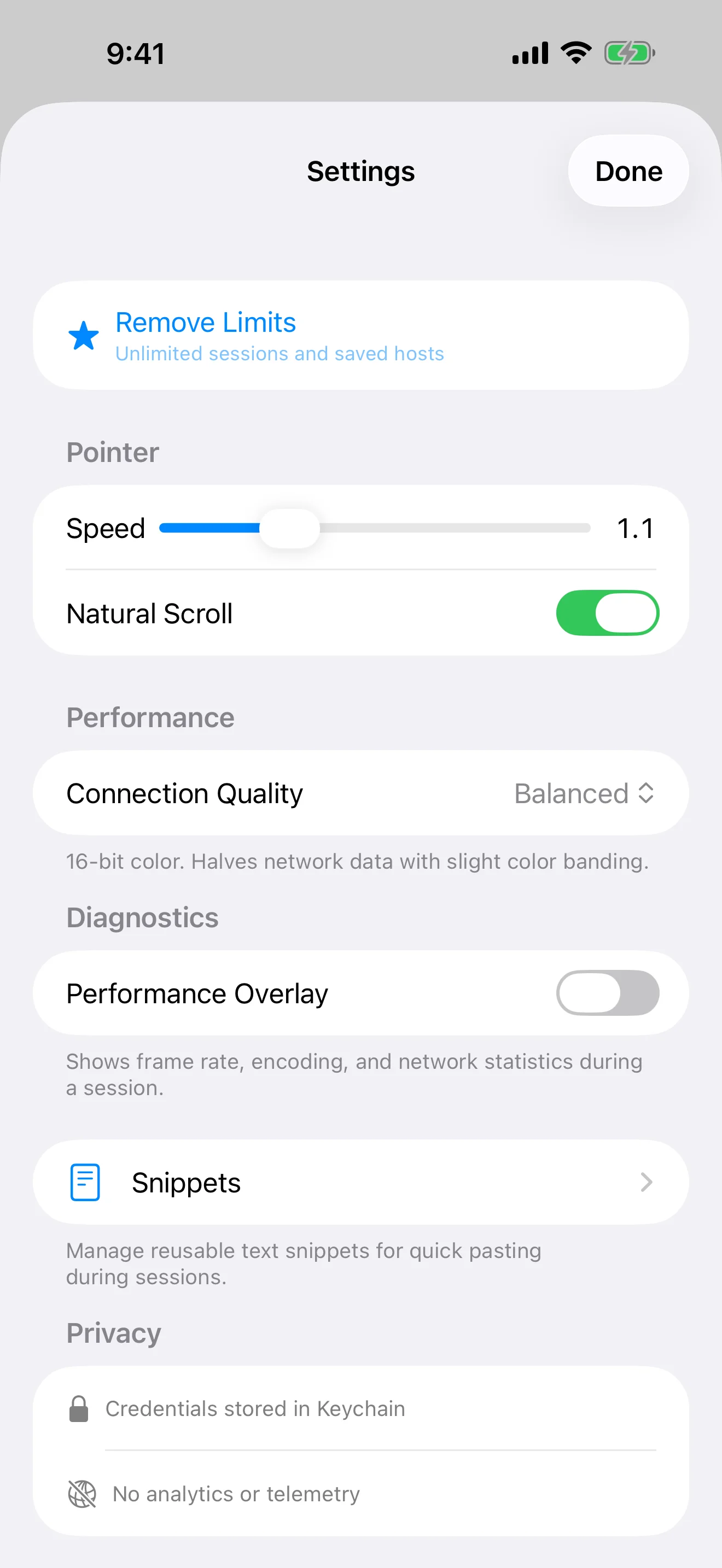
Fine-Tuned Control
Pointer speed, performance mode, and text snippets
iPad
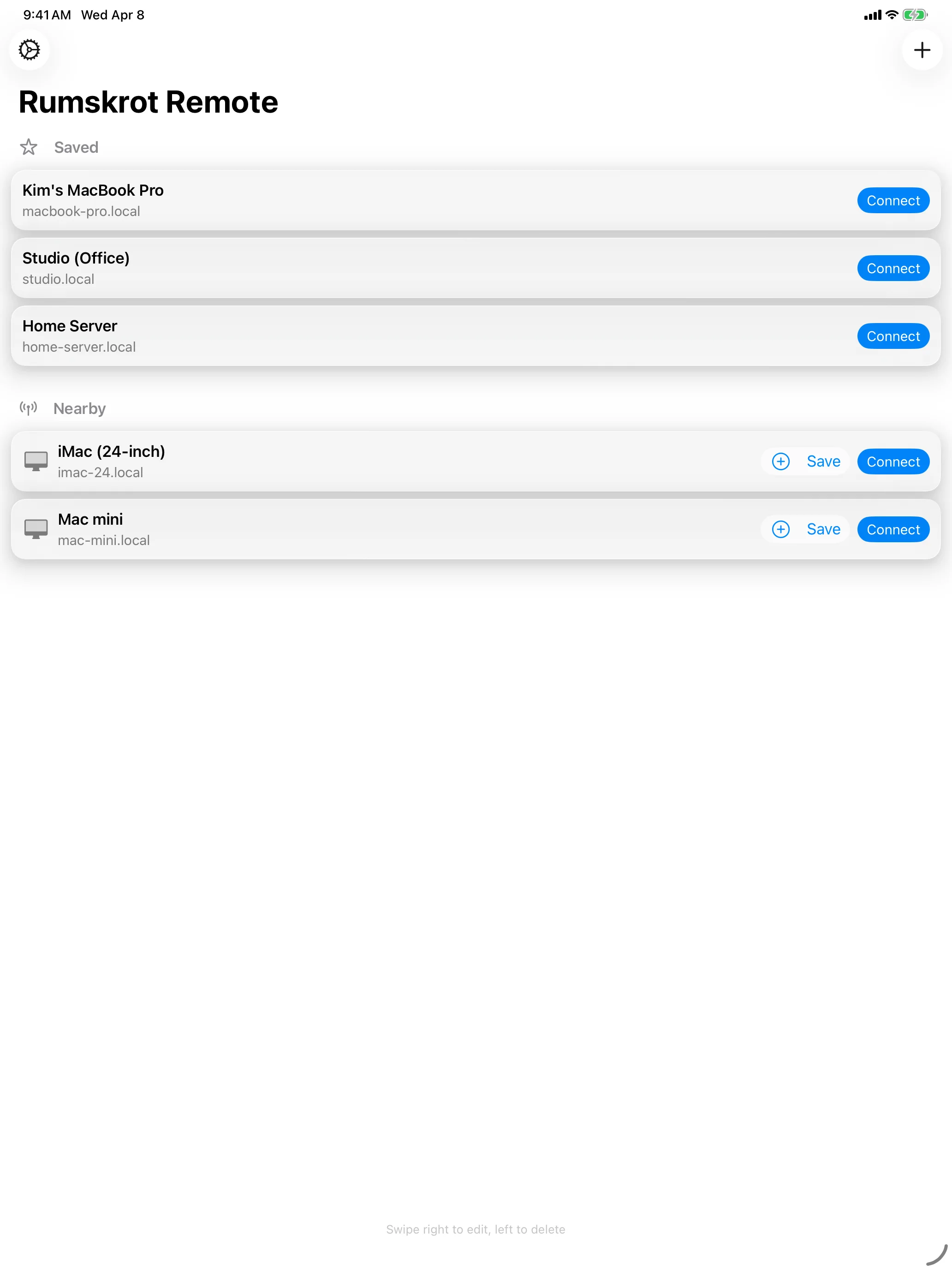
Your Macs, One Tap Away
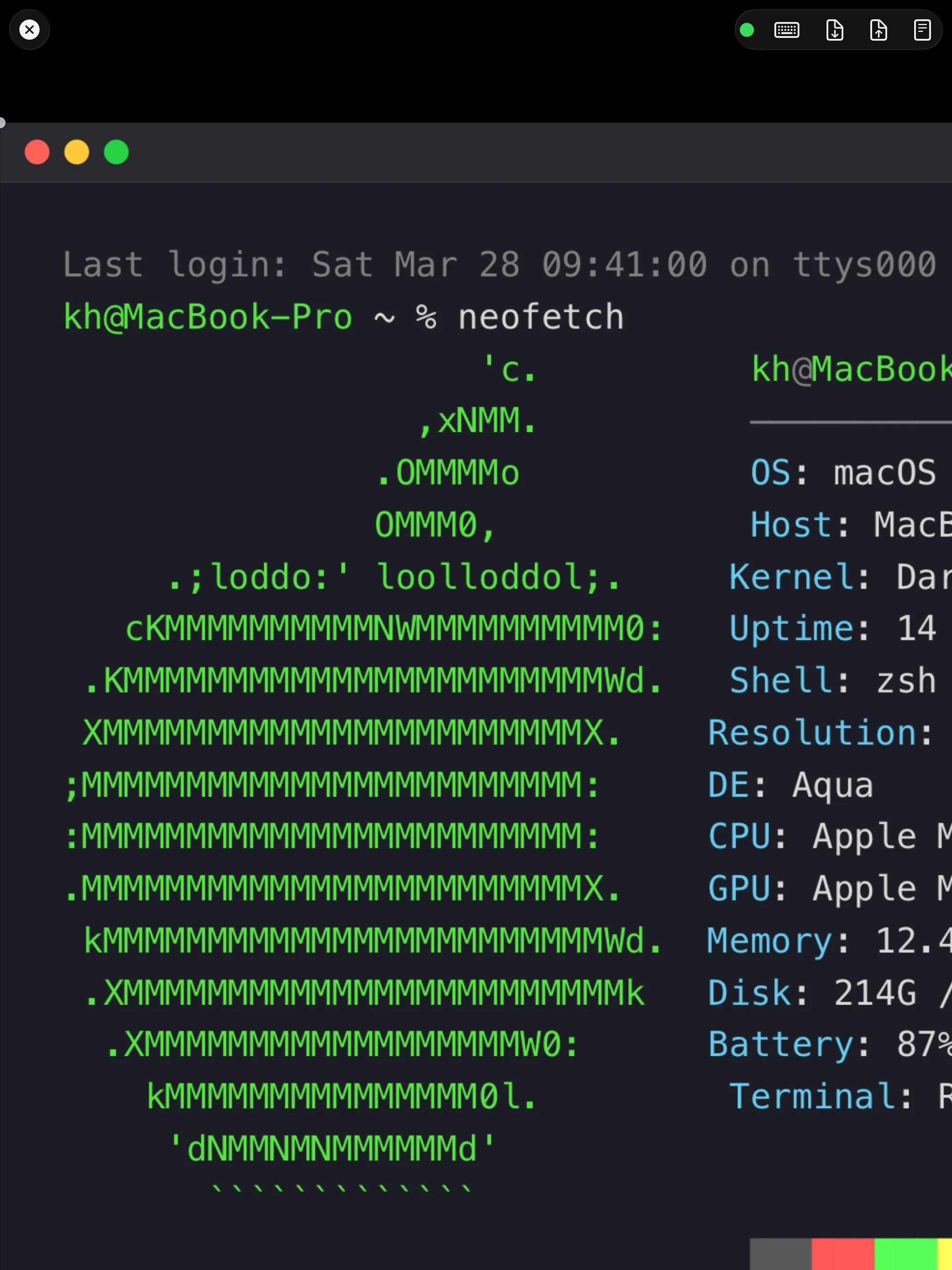
Full Remote Desktop
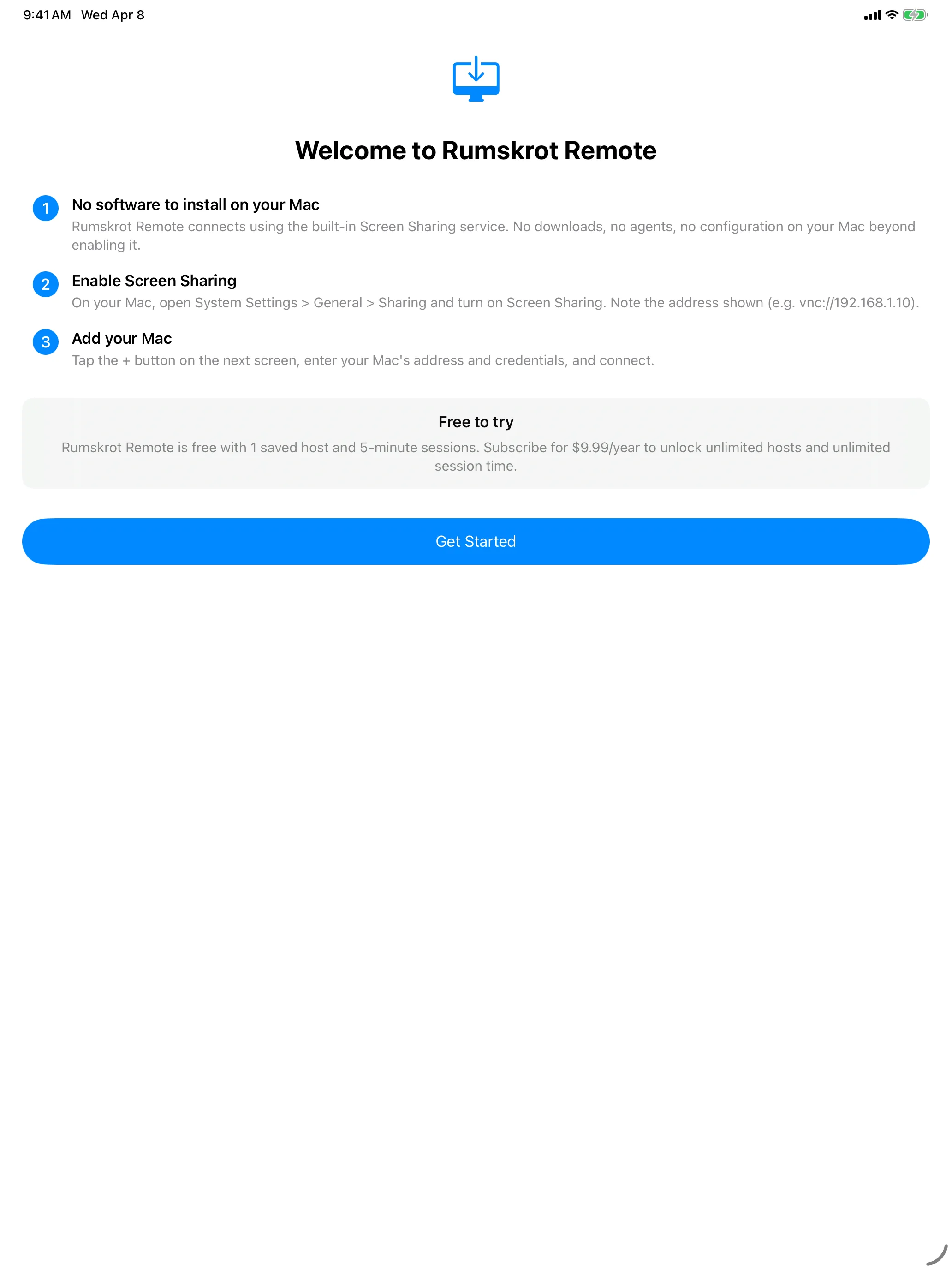
Zero Install on Your Mac
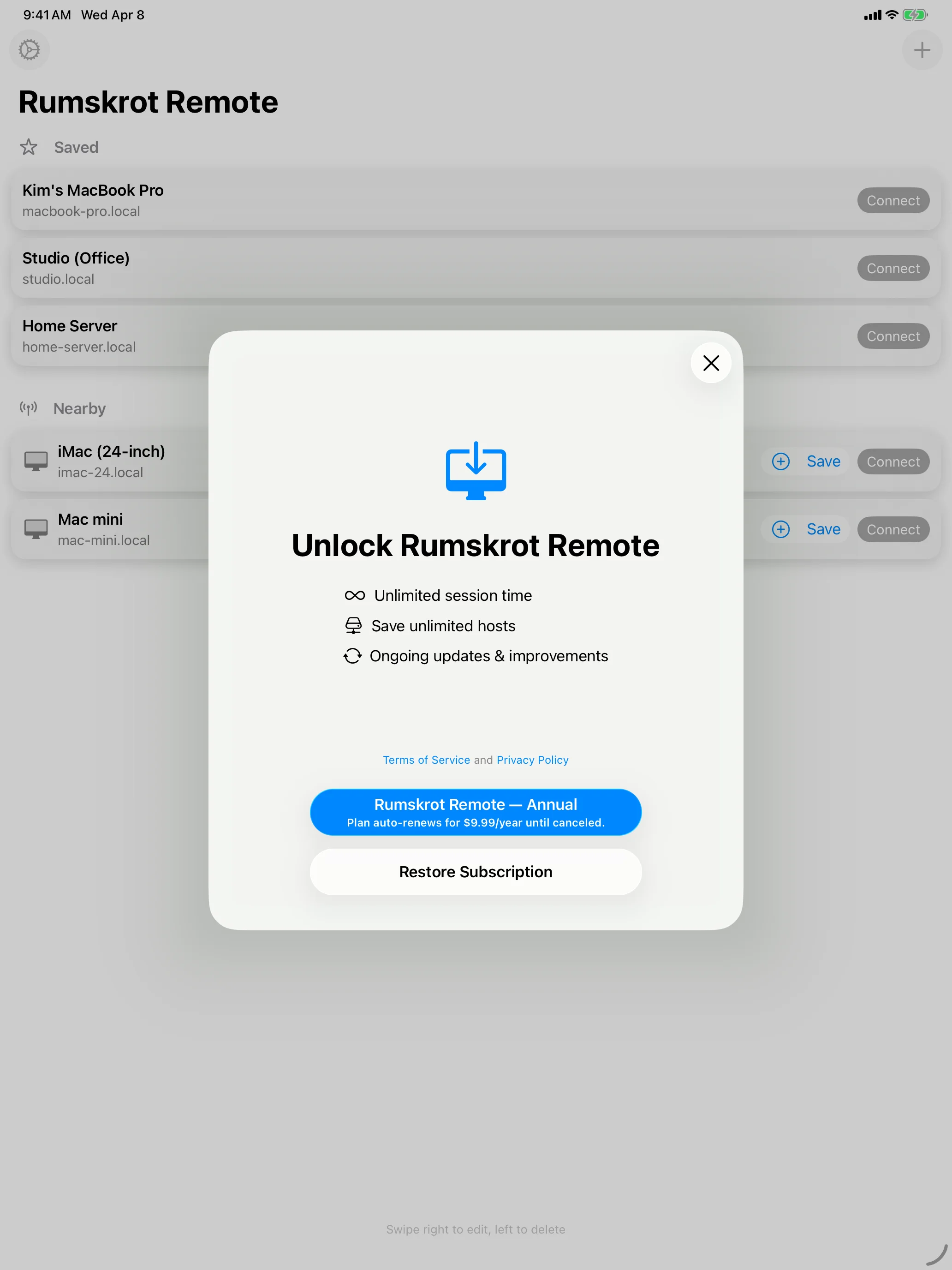
Connect in Seconds
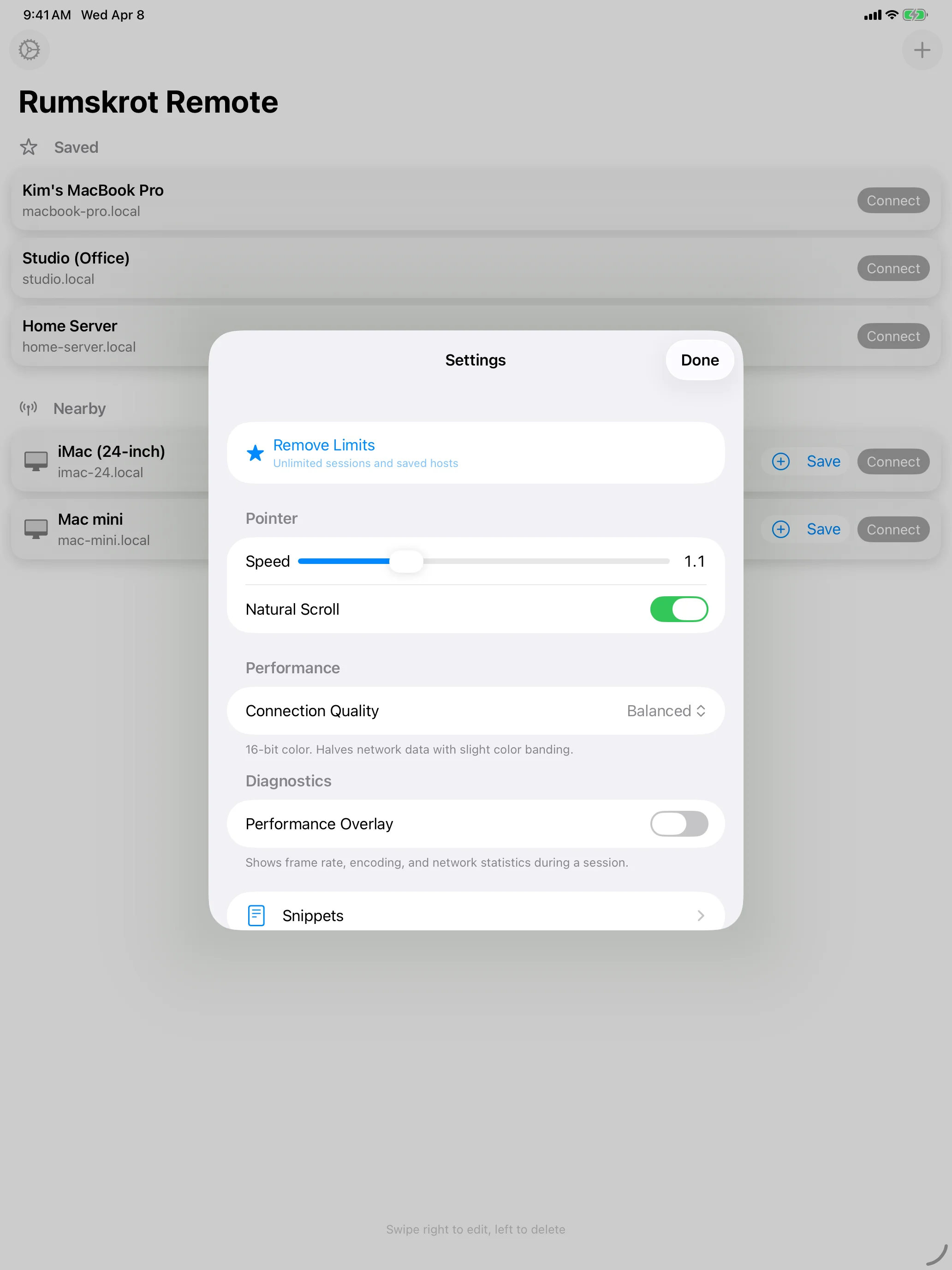
Fine-Tuned Control
Features
Zero Install
Connects directly to macOS Screen Sharing (Apple Remote Desktop / VNC). No software to install on your Mac.
Metal Rendering
GPU-accelerated framebuffer display for smooth, responsive remote control at high resolution.
Bonjour Discovery
Automatically discovers Macs on your local network. Tap to connect — no IP address needed.
Full Input Support
Virtual trackpad with gesture recognition, software keyboard with modifier keys, and three-finger swipe for Mission Control.
Keyboard Accessory Bar
Arrow keys, Tab, Esc, F1–F12, Page Up/Down, Home/End plus Mission Control and App Exposé — all directly above the iOS keyboard. Sticky ⌘⌃⌥⇧ modifiers, reorderable layout, auto-hides with a hardware keyboard.
Auto-Unlock
Opt in per host to type your macOS password right after connecting — land at your desktop instead of the lock screen.
Secure Authentication
Supports Apple ARD RSA-AES, DH-AES, and classic VNC authentication. Credentials stored in your Keychain.
SSH Tunnel
Reach Macs only available over SSH by tunnelling the VNC connection. First connect verifies the host's fingerprint; later connections refuse to send credentials if the identity ever changes. Per-host Forget button clears a pinned key when you reinstall a server.
Multi-Monitor Support
Full ExtendedDesktopSize encoding support for multi-monitor setups. See all your screens.
Clipboard Sync
Bidirectional clipboard sharing between your iOS device and your Mac.
Text Snippets
Save common commands and text as snippets and send them to your Mac with a single tap.
About
Rumskrot Remote is built from the ground up as a native Swift app with a complete RFB protocol implementation. It supports all major framebuffer encodings including Raw, CopyRect, RRE, Hextile, ZRLE, and Tight — the same encoding macOS Screen Sharing uses by default.
No cloud relay, no telemetry, no third-party SDKs. All connections are direct, peer-to-peer. Your credentials stay in your device's Keychain.
Performance target: 30+ FPS on LAN with under 150ms perceived input latency.