Auth for Tesla
Tesla API tokens, in seconds. Sign in once, then inspect, test, and copy your Owners or Fleet API token straight into Shortcuts, scripts, or any tool that talks to Tesla's API.
View release notes →

iPhone
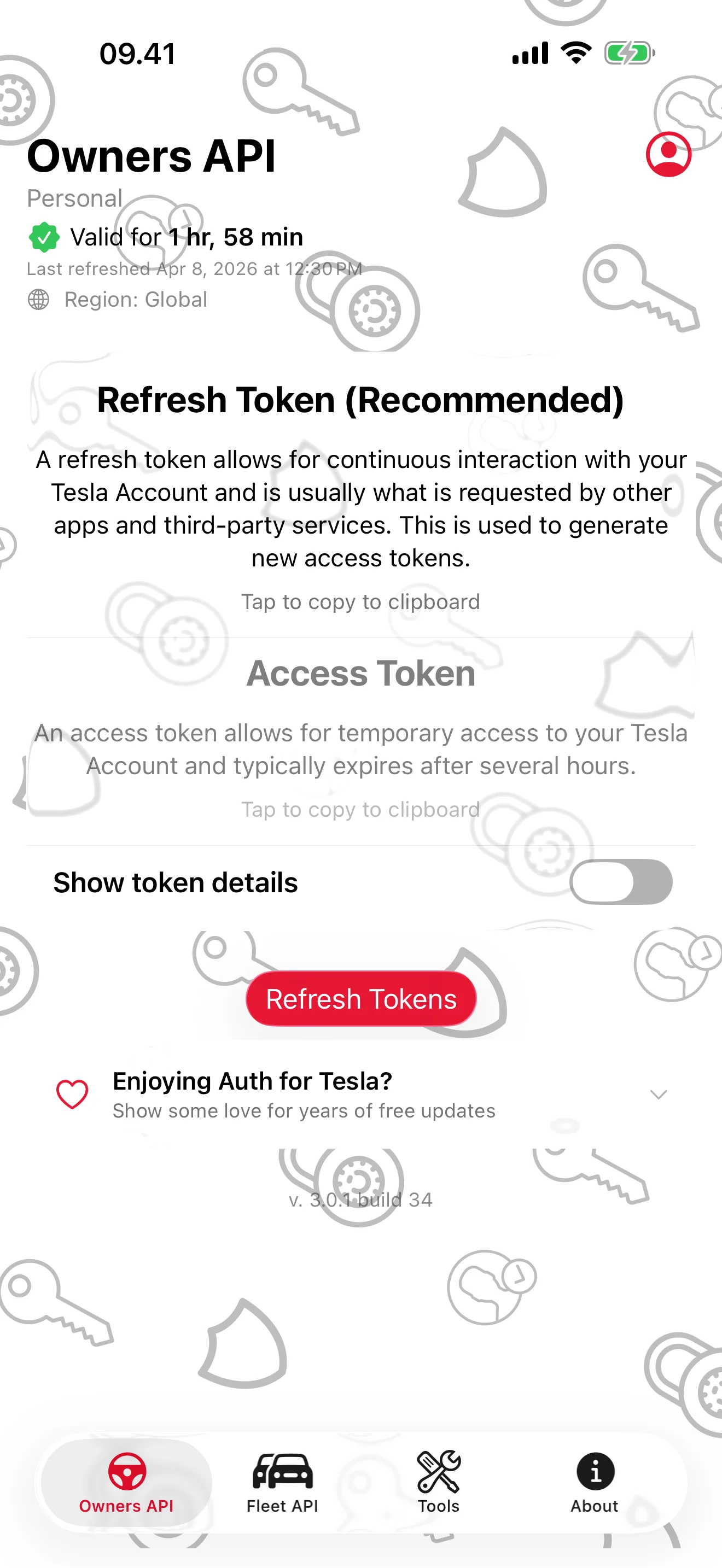
Tesla API Tokens, in Seconds
Sign in once — your tokens are always one tap from the clipboard
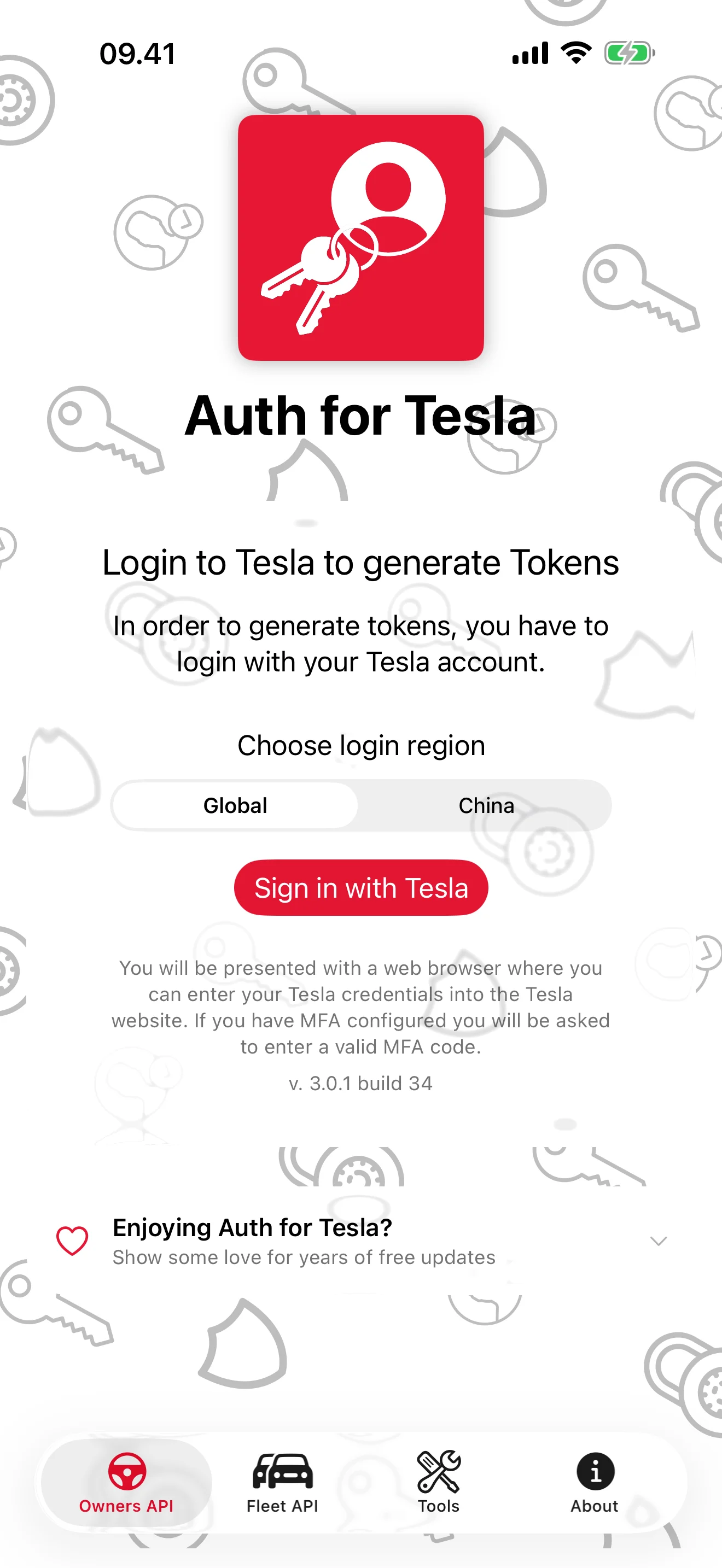
Your Password Stays with Tesla
Sign-in happens inside Tesla's secure web view — never through this app
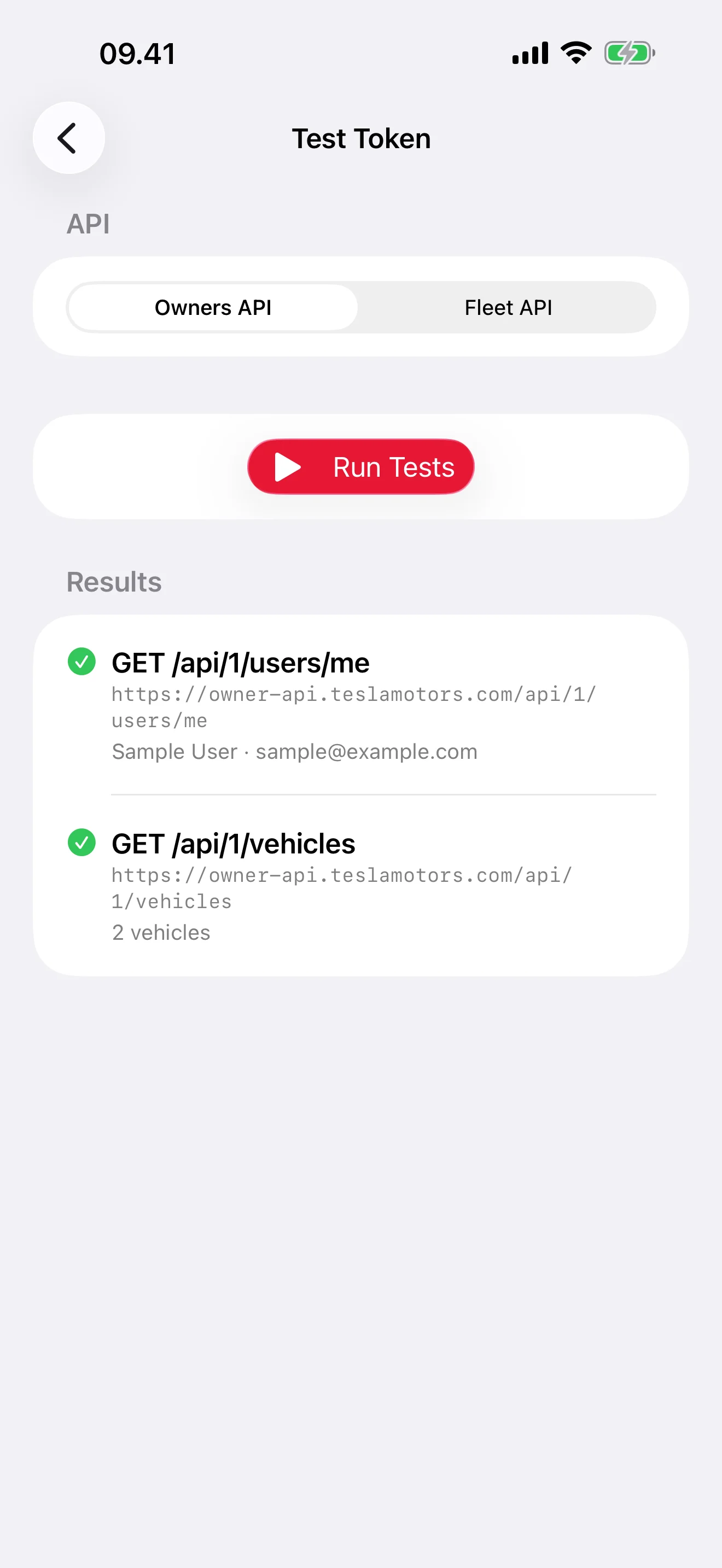
Verify It Actually Works
Real read-only API calls confirm scopes, vehicles, and account info
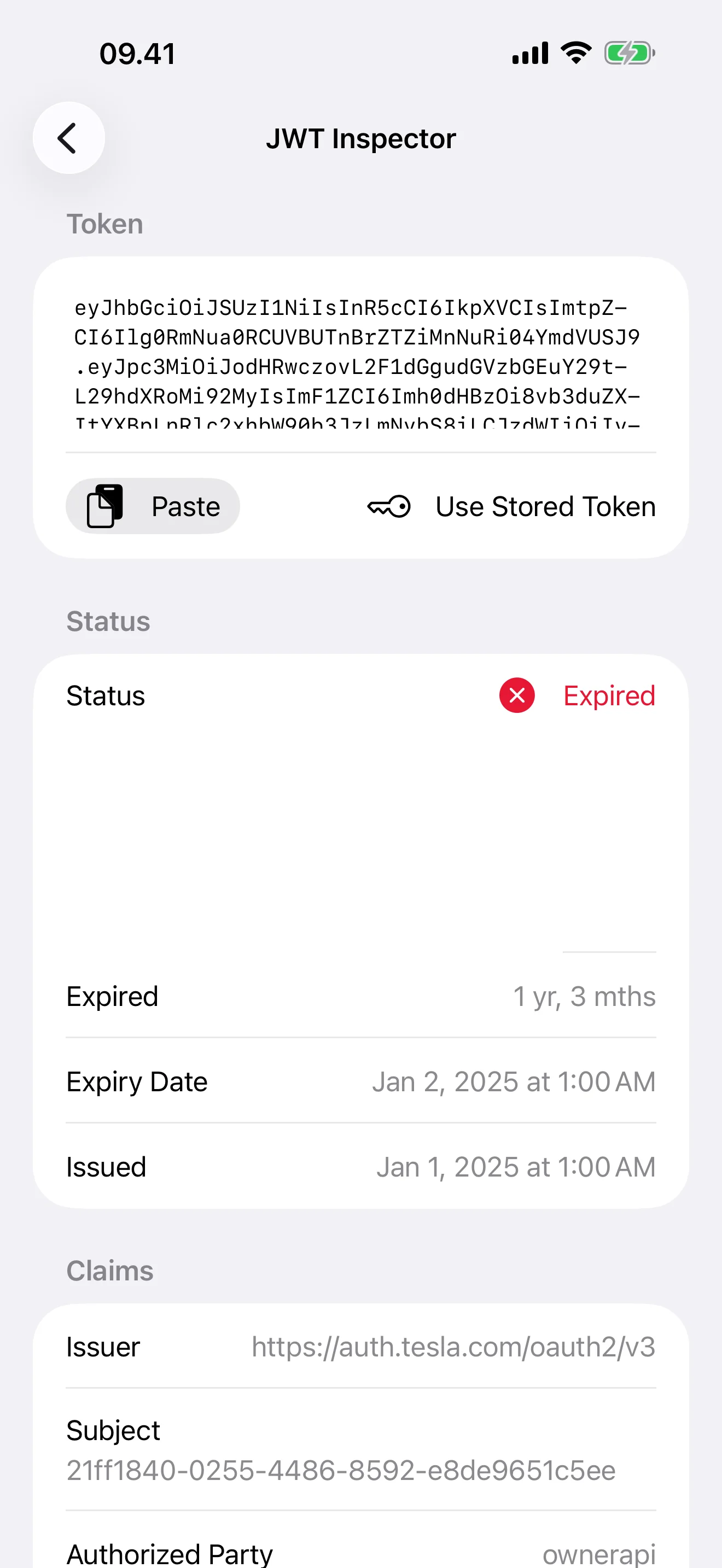
Decode Any JWT, Instantly
Header, payload, scopes, and expiry — no jwt.io detours
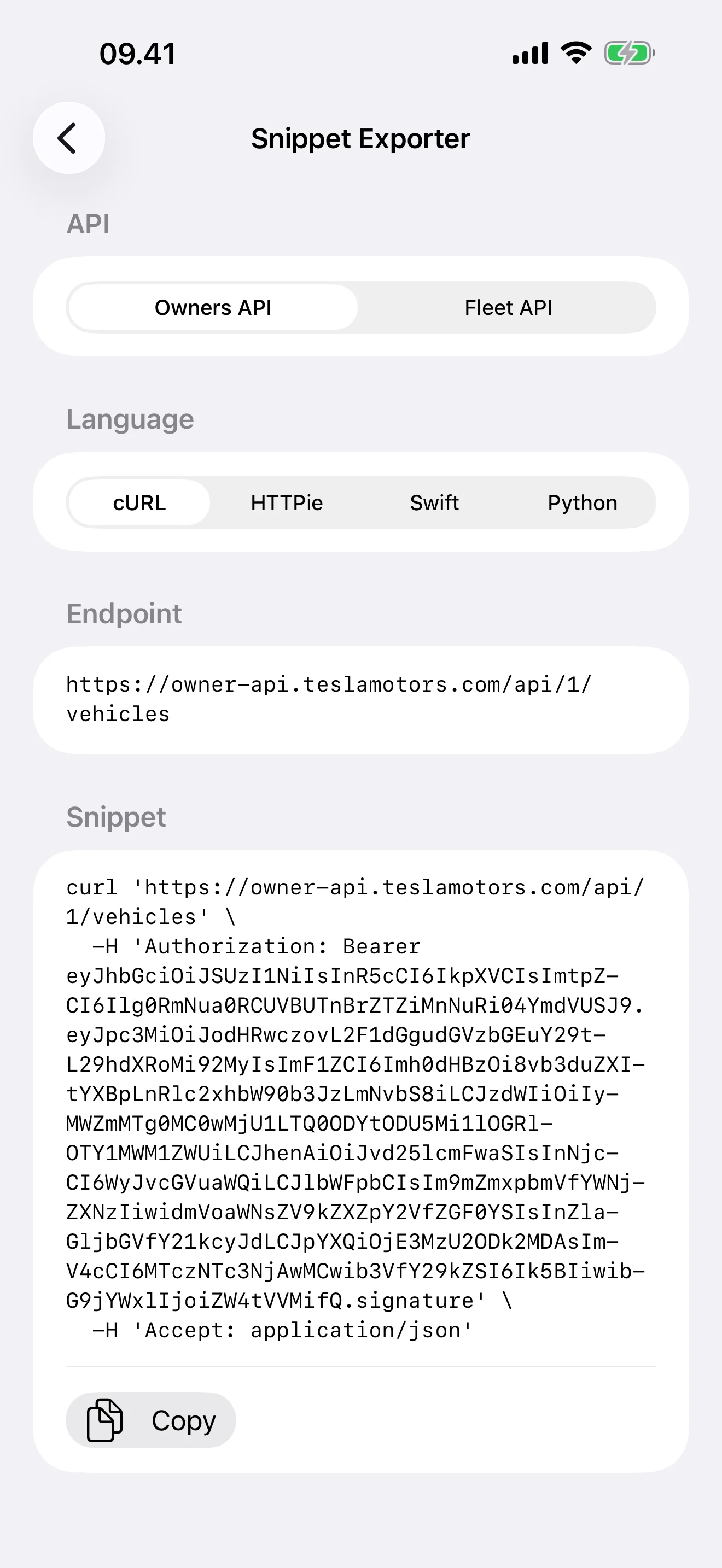
Drop Into Any Codebase
Copy as ready-to-run cURL, HTTPie, Swift, or Python
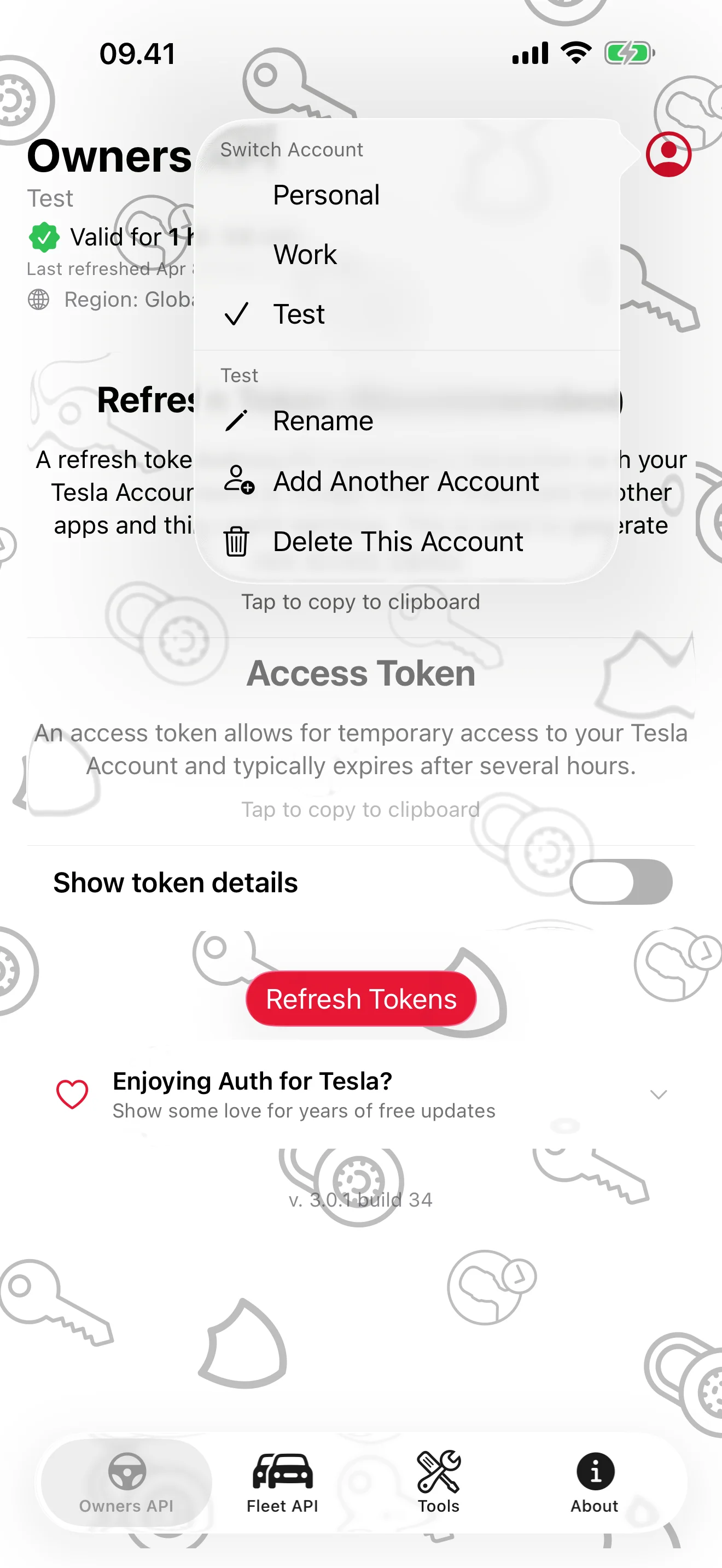
Personal, Work, and Test — Side by Side
One-tap switching, rename, and add — no signing in twice
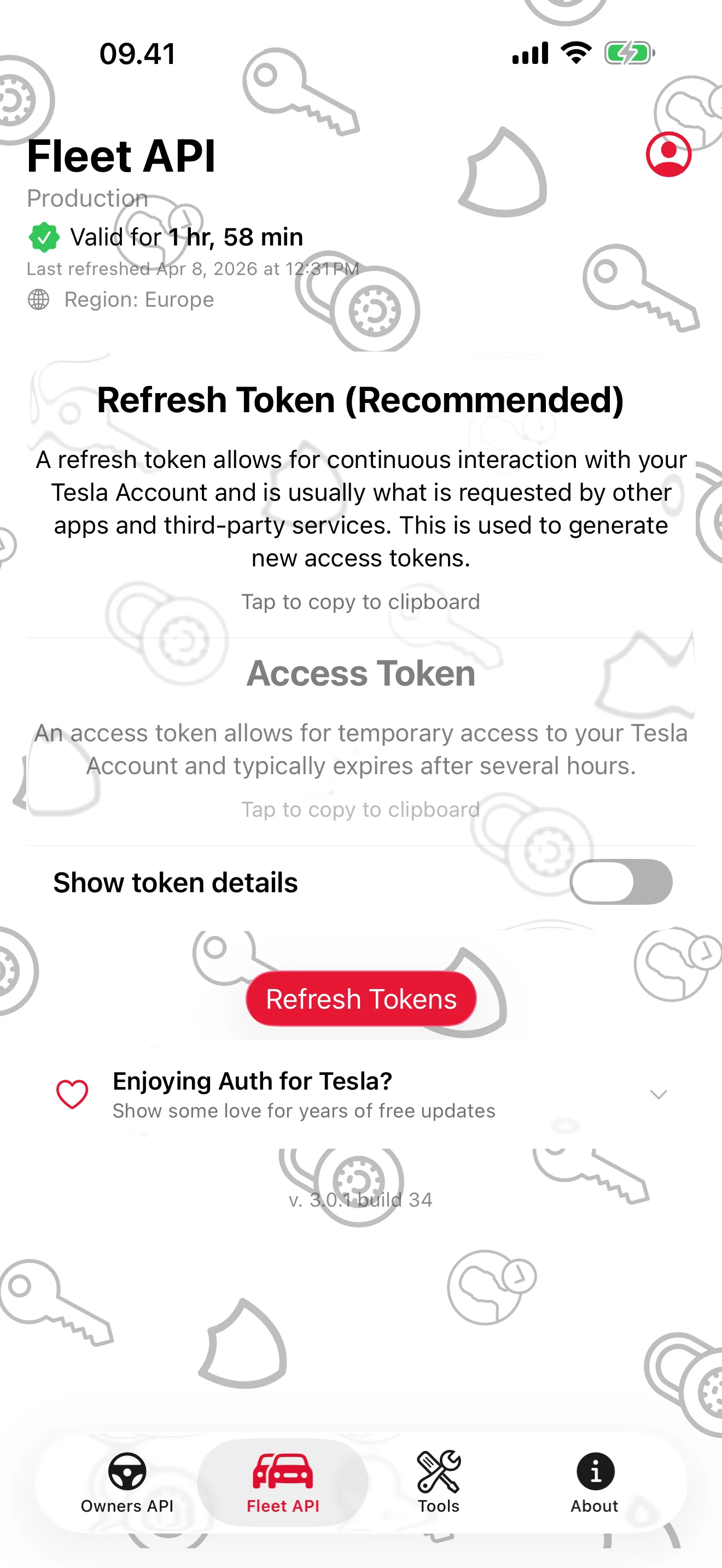
Built for the Fleet API Too
Region auto-detect, scope inspection, live expiry countdown
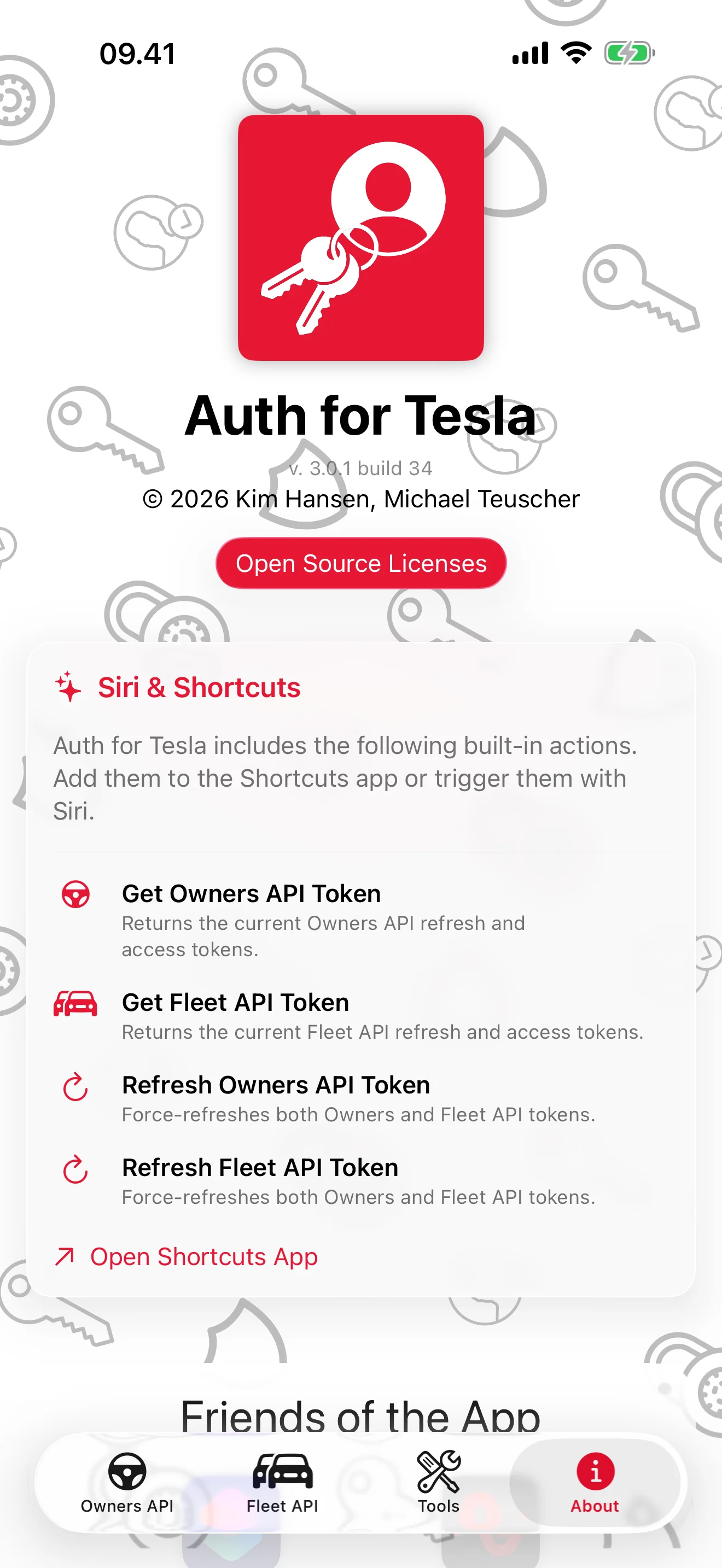
Made for Siri and Shortcuts
Get and Refresh actions appear automatically in Shortcuts
iPad
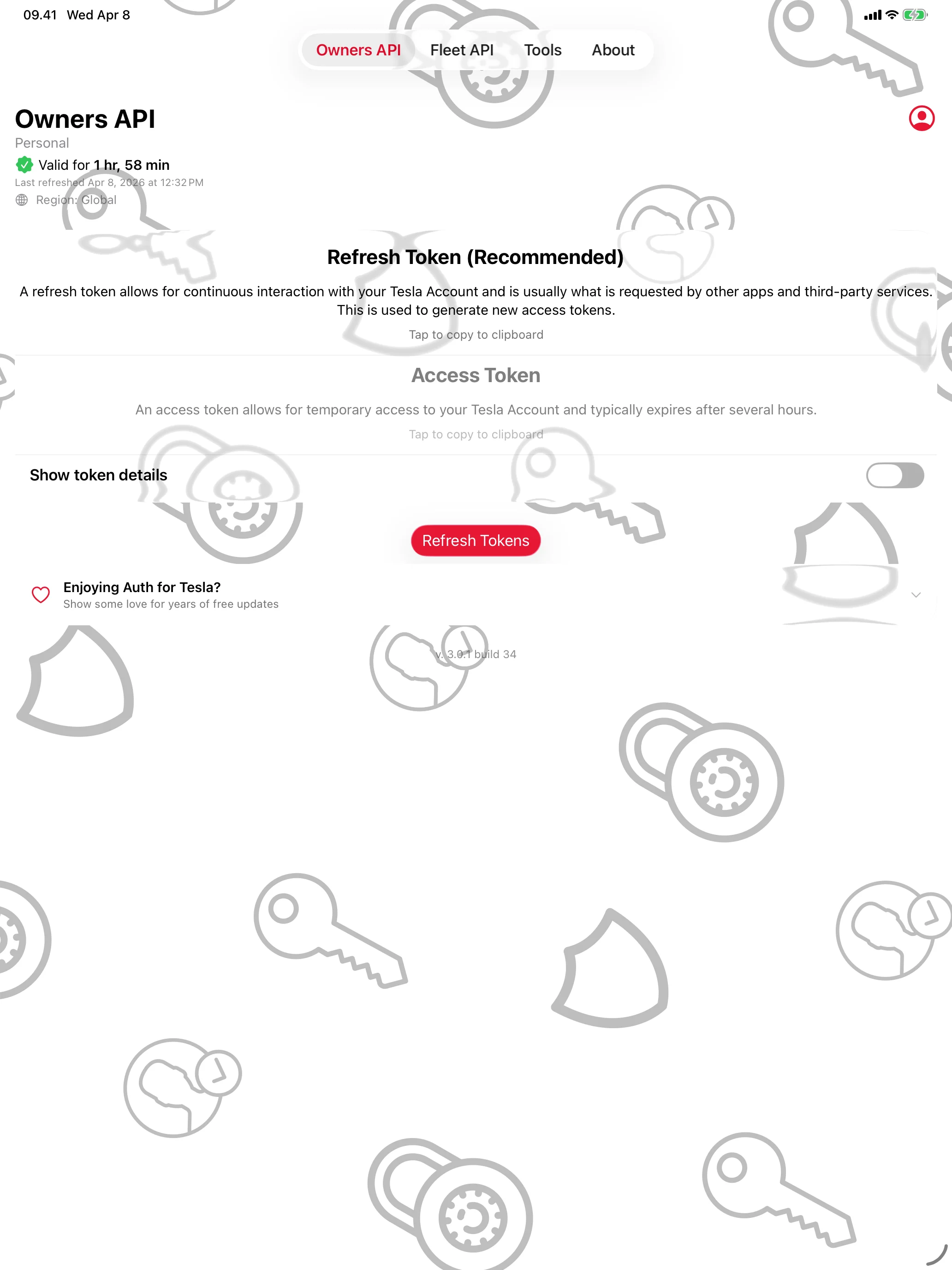
Tesla API Tokens, in Seconds
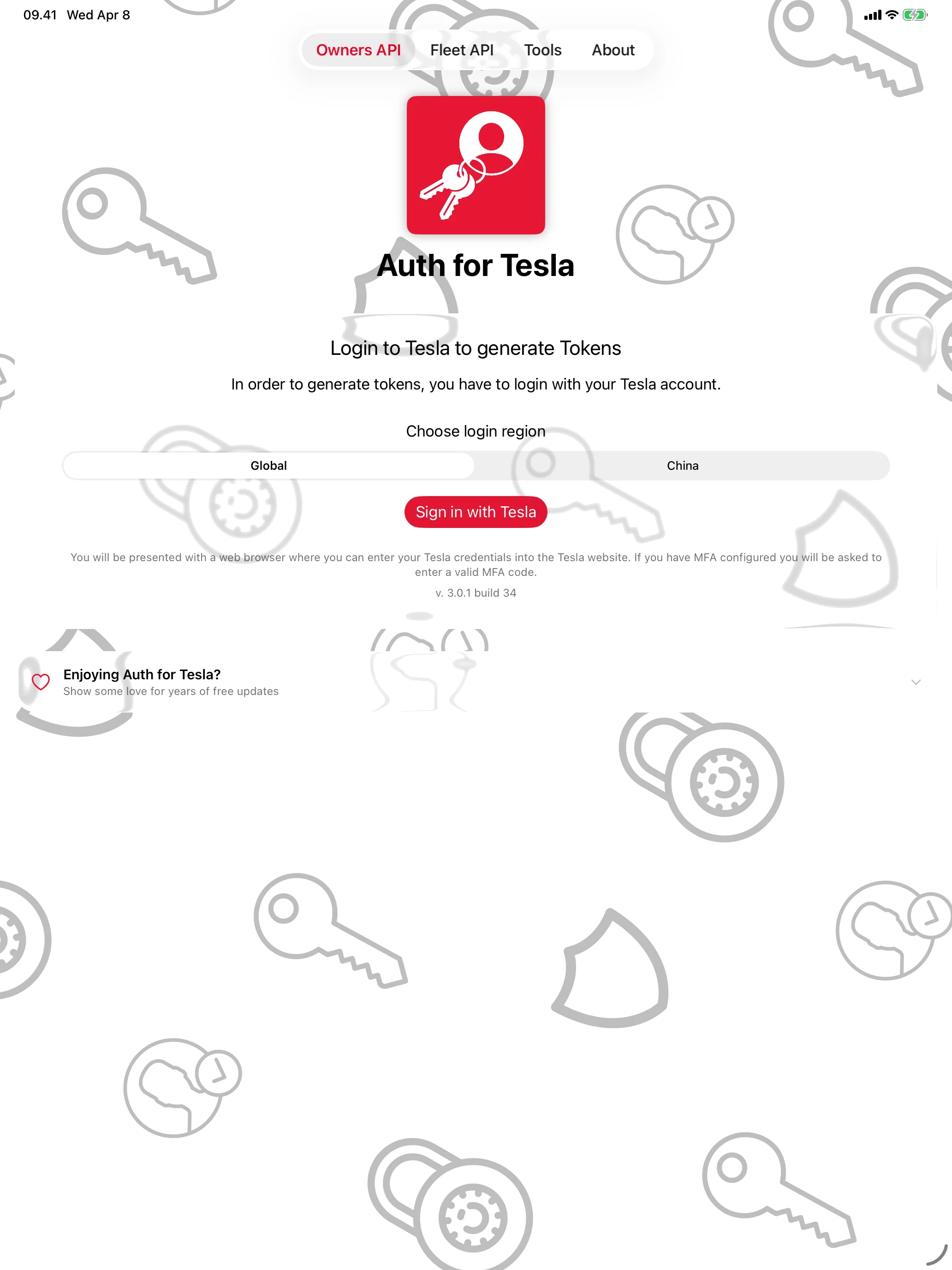
Your Password Stays with Tesla
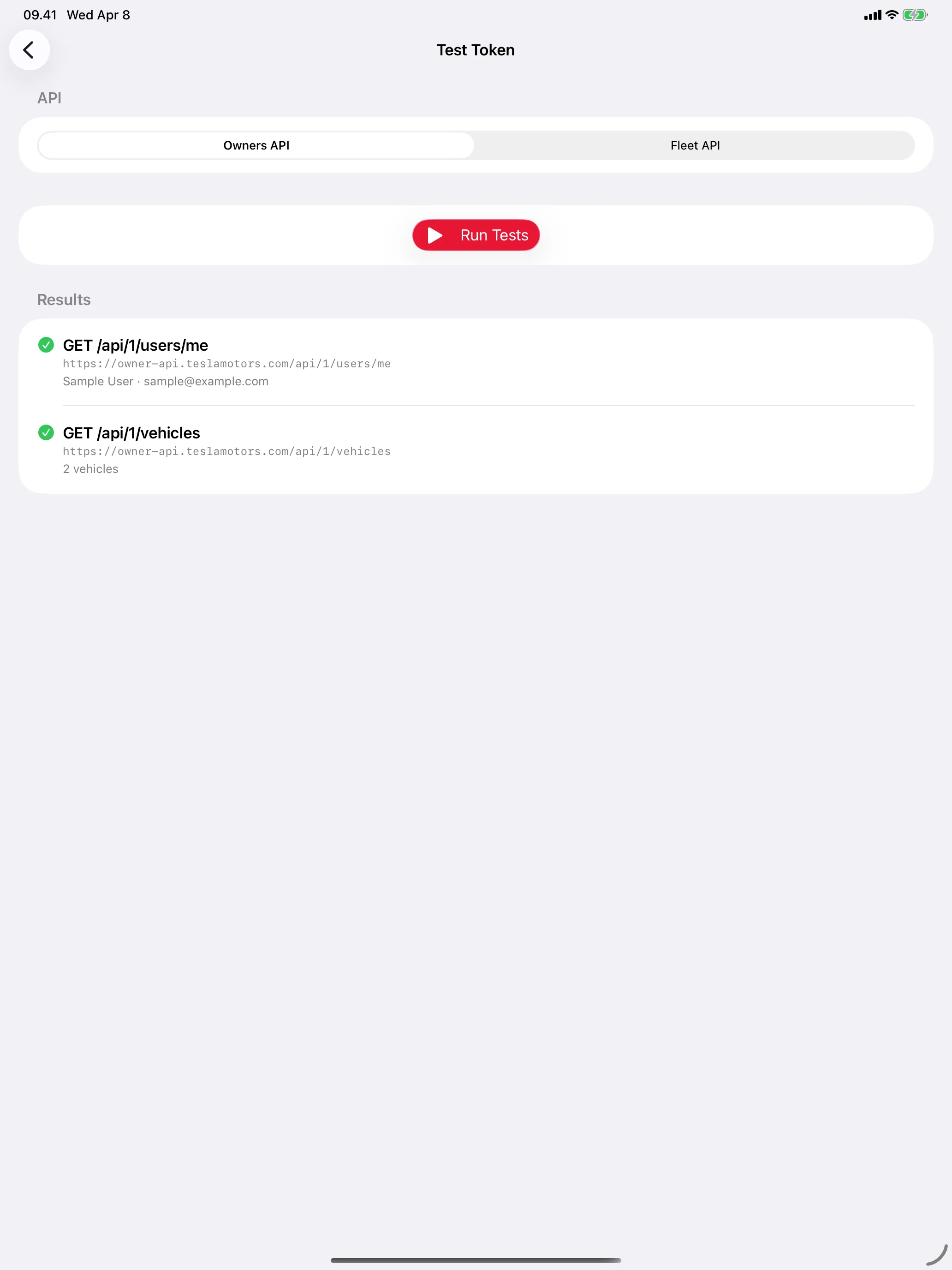
Verify It Actually Works
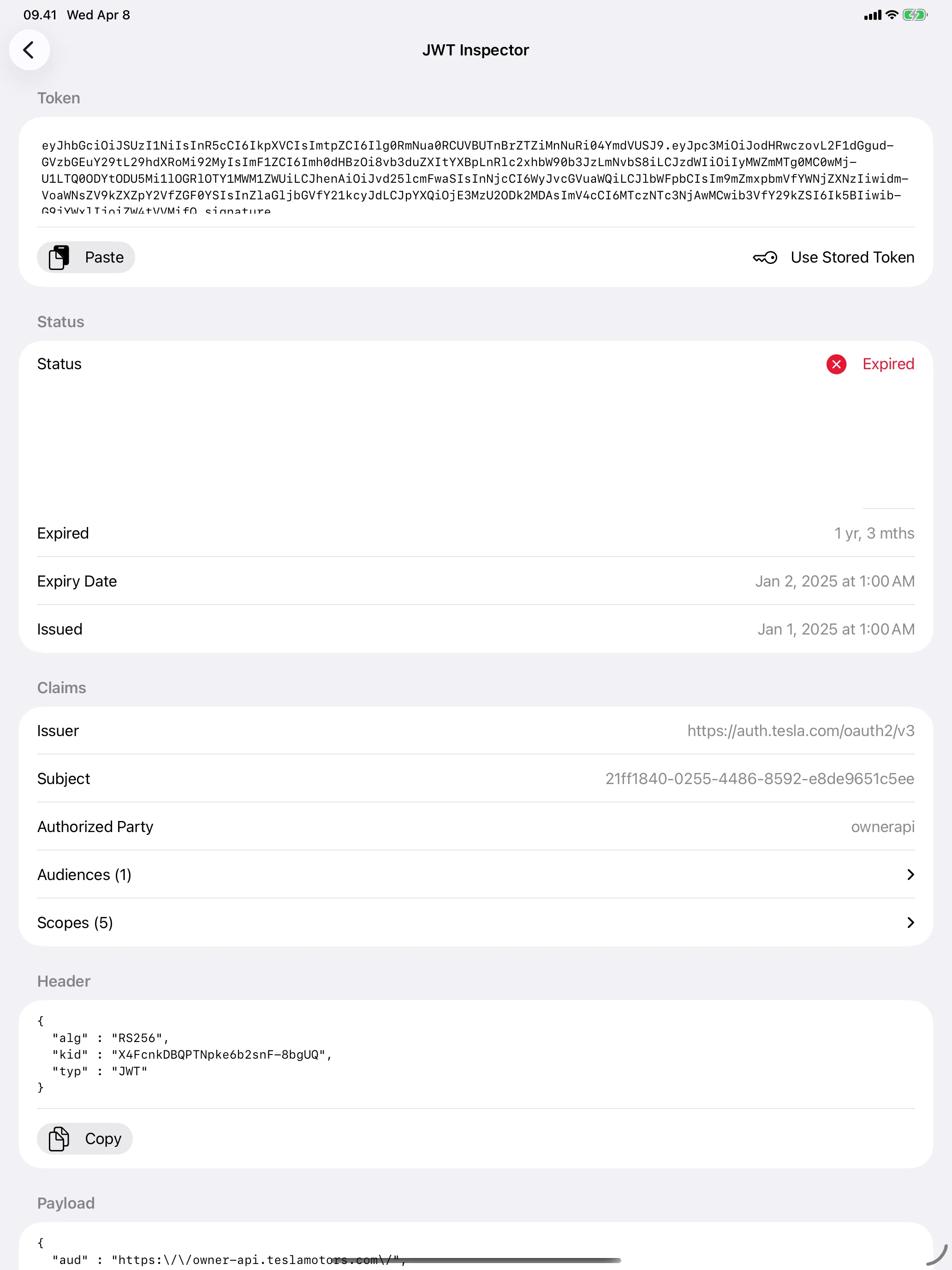
Decode Any JWT, Instantly
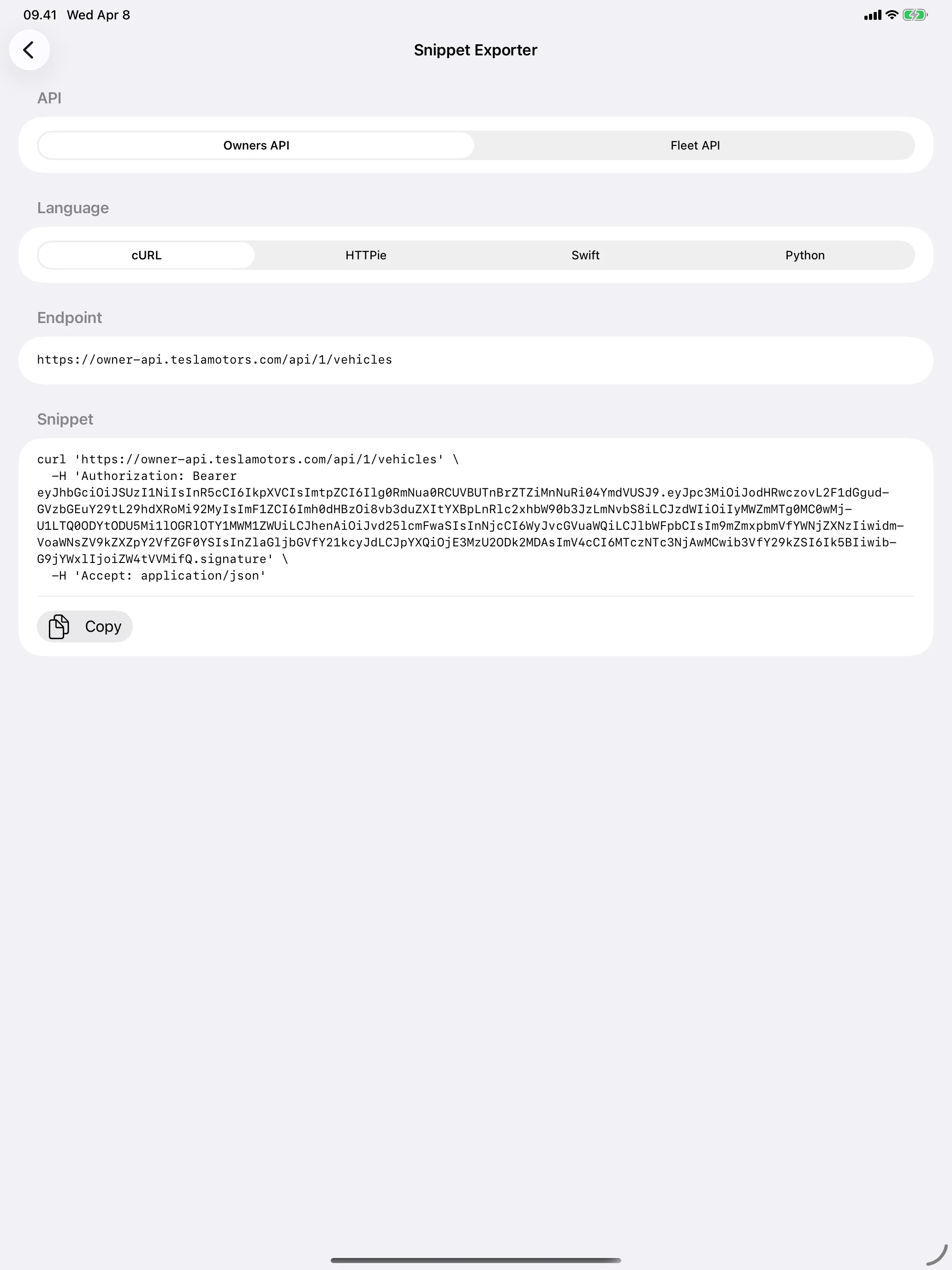
Drop Into Any Codebase
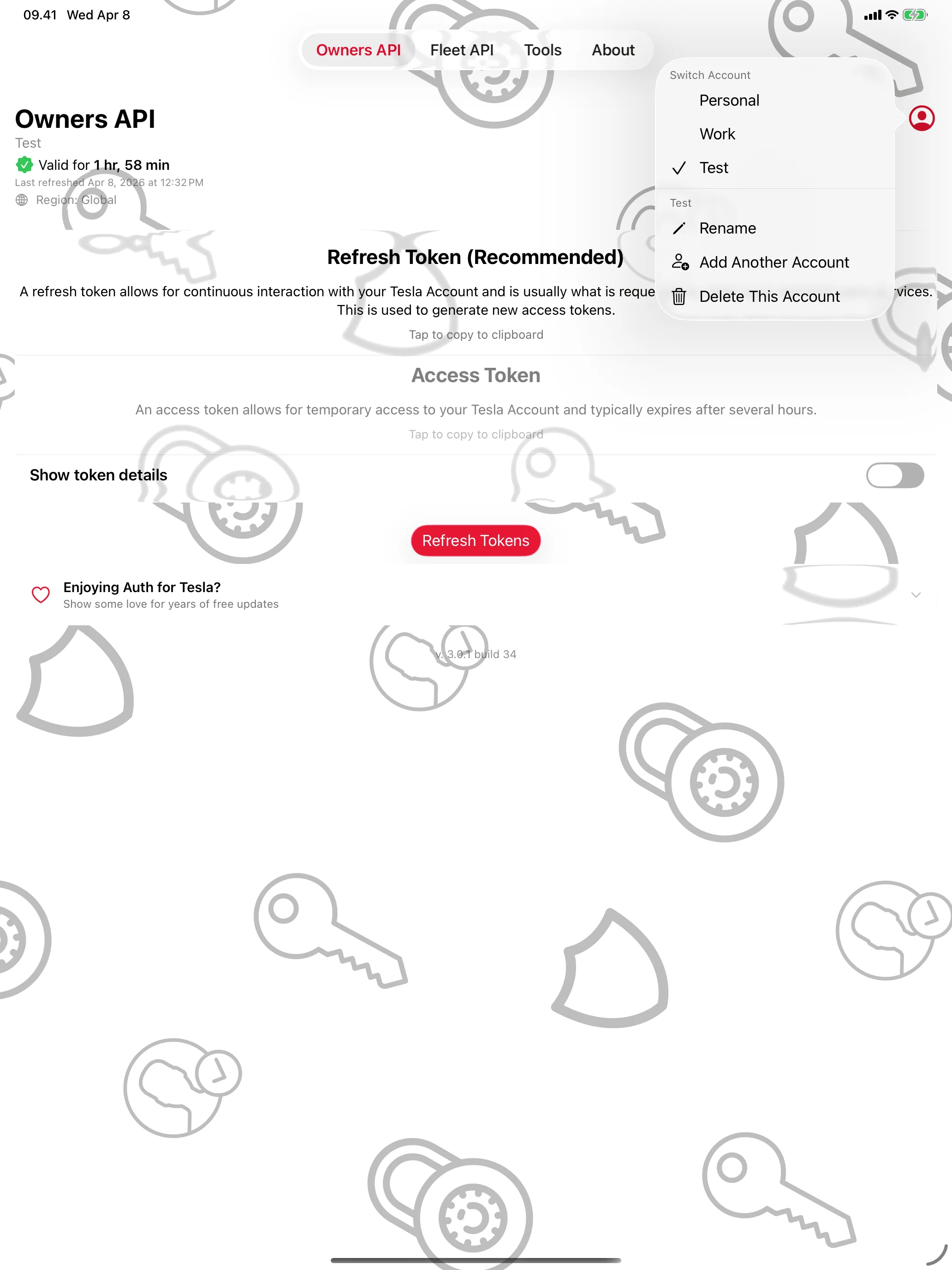
Personal, Work, Test — Side by Side
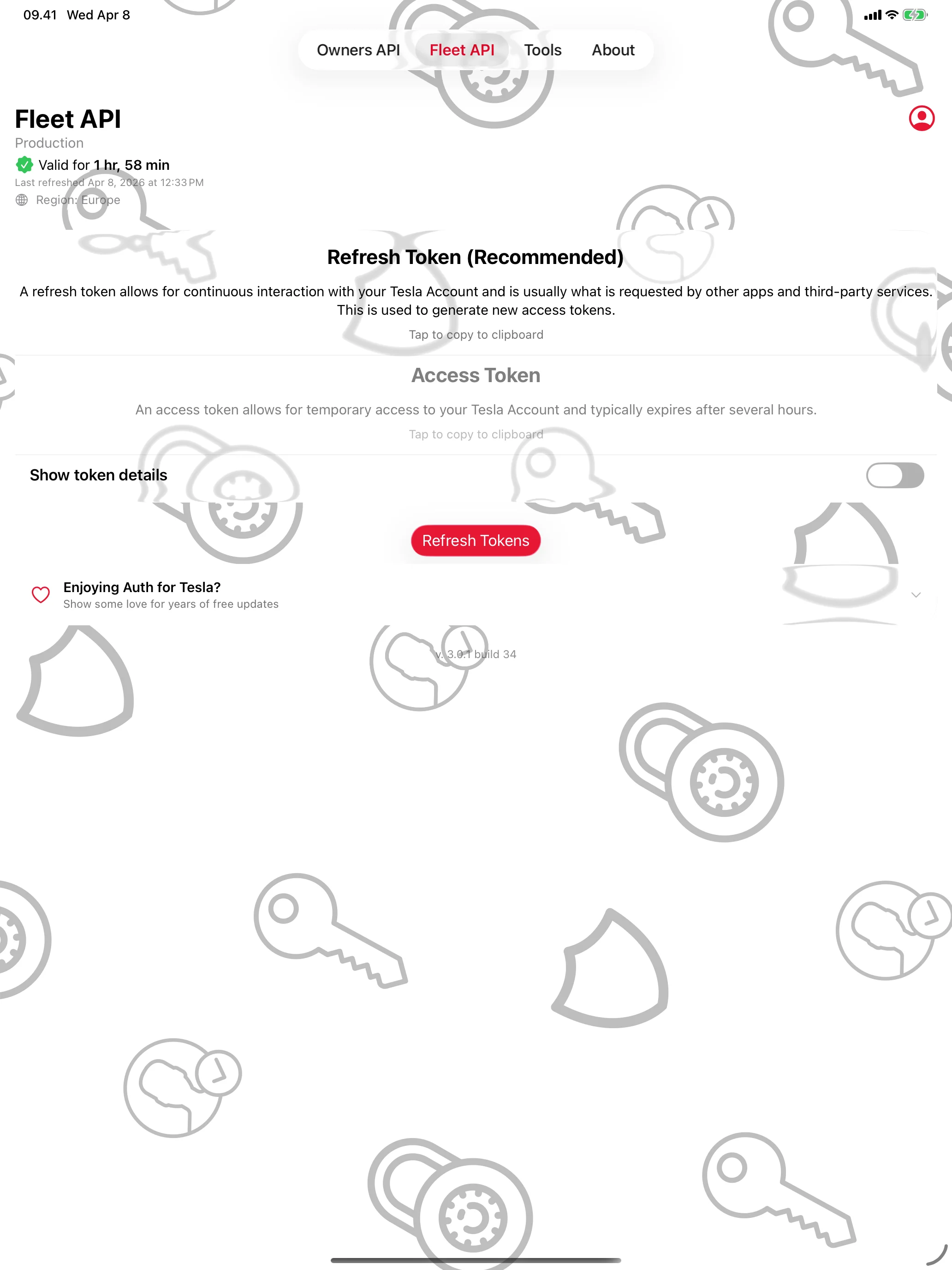
Built for the Fleet API Too
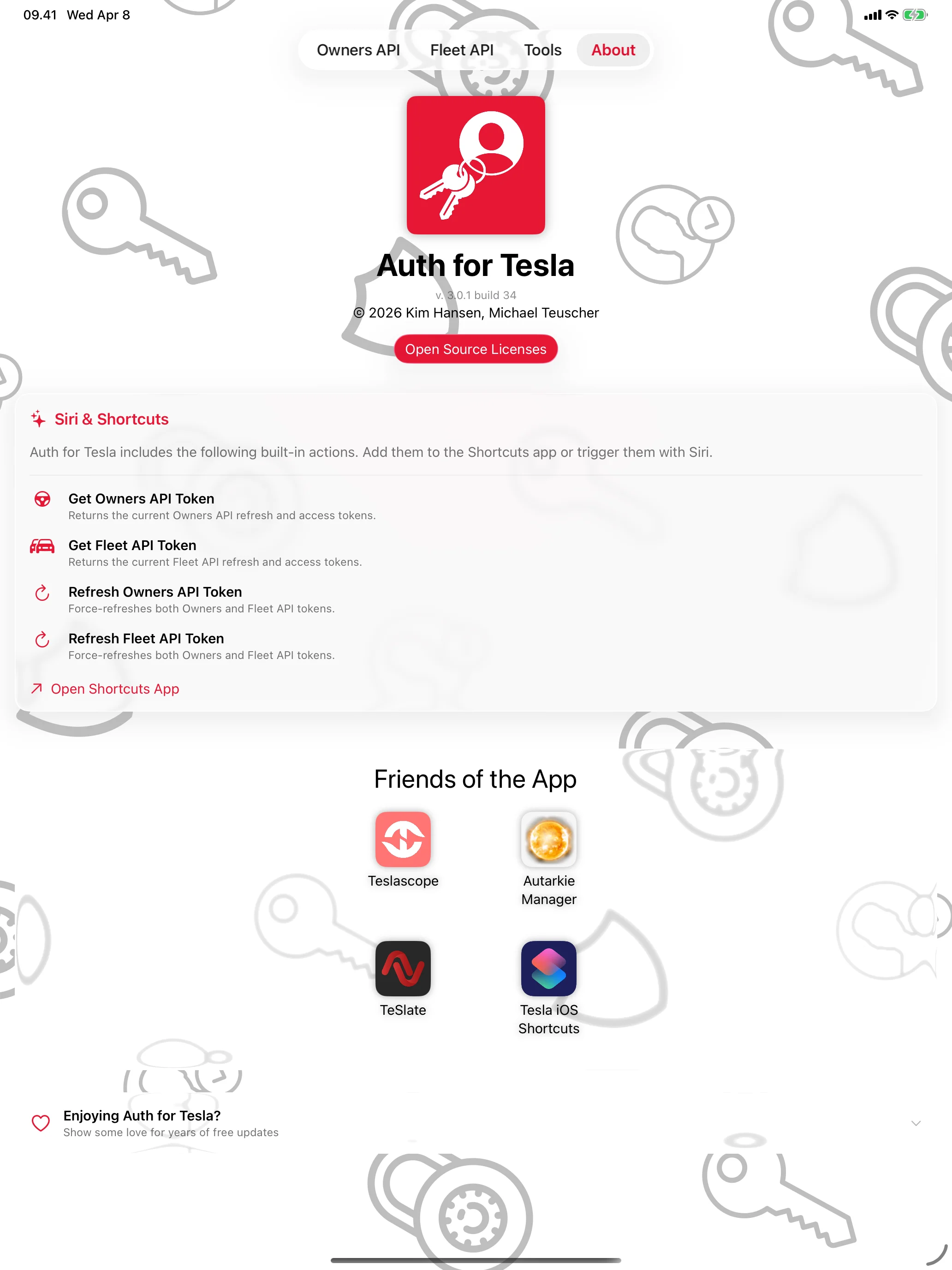
Made for Siri and Shortcuts
Mac
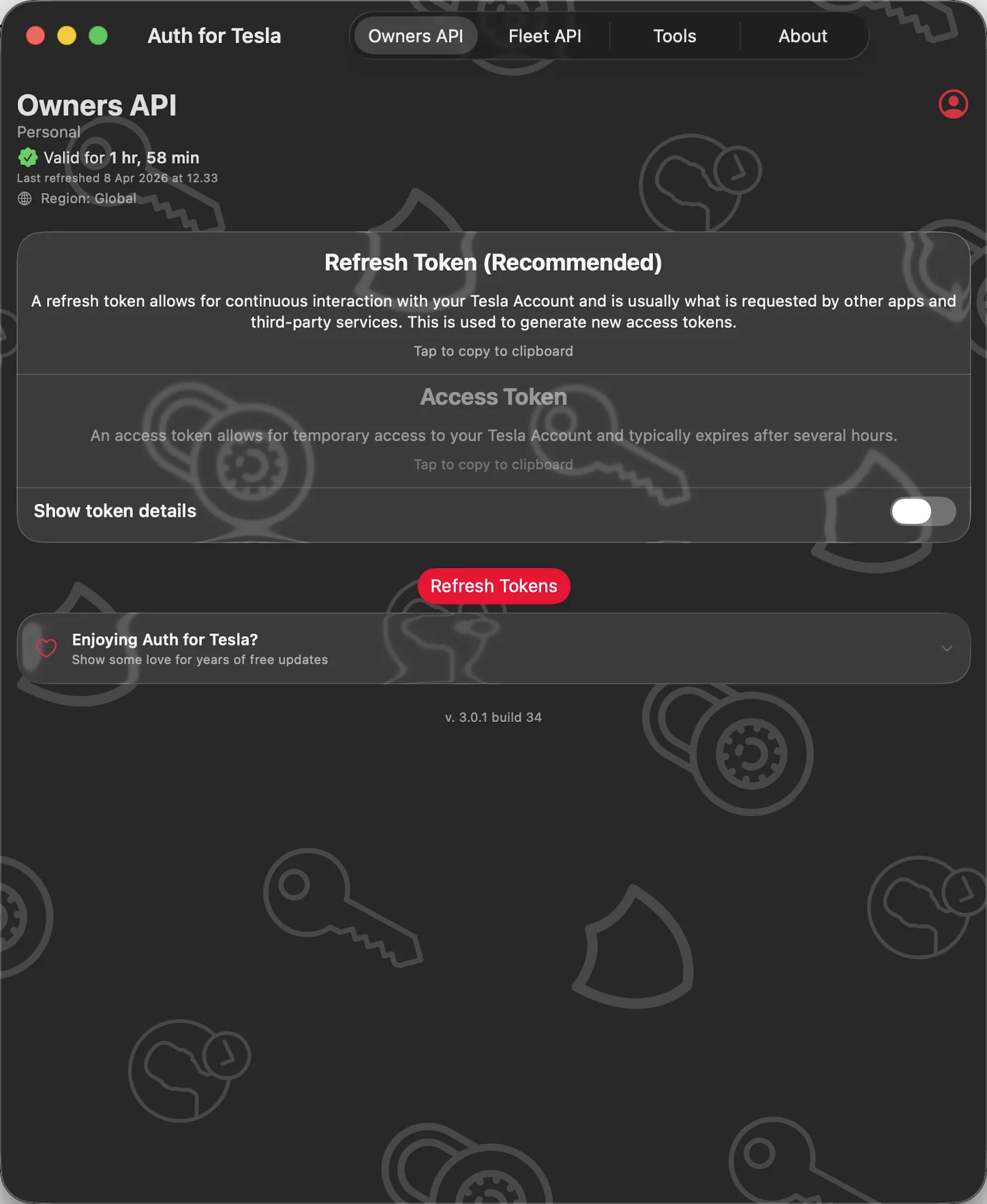
Tesla API Tokens, in Seconds
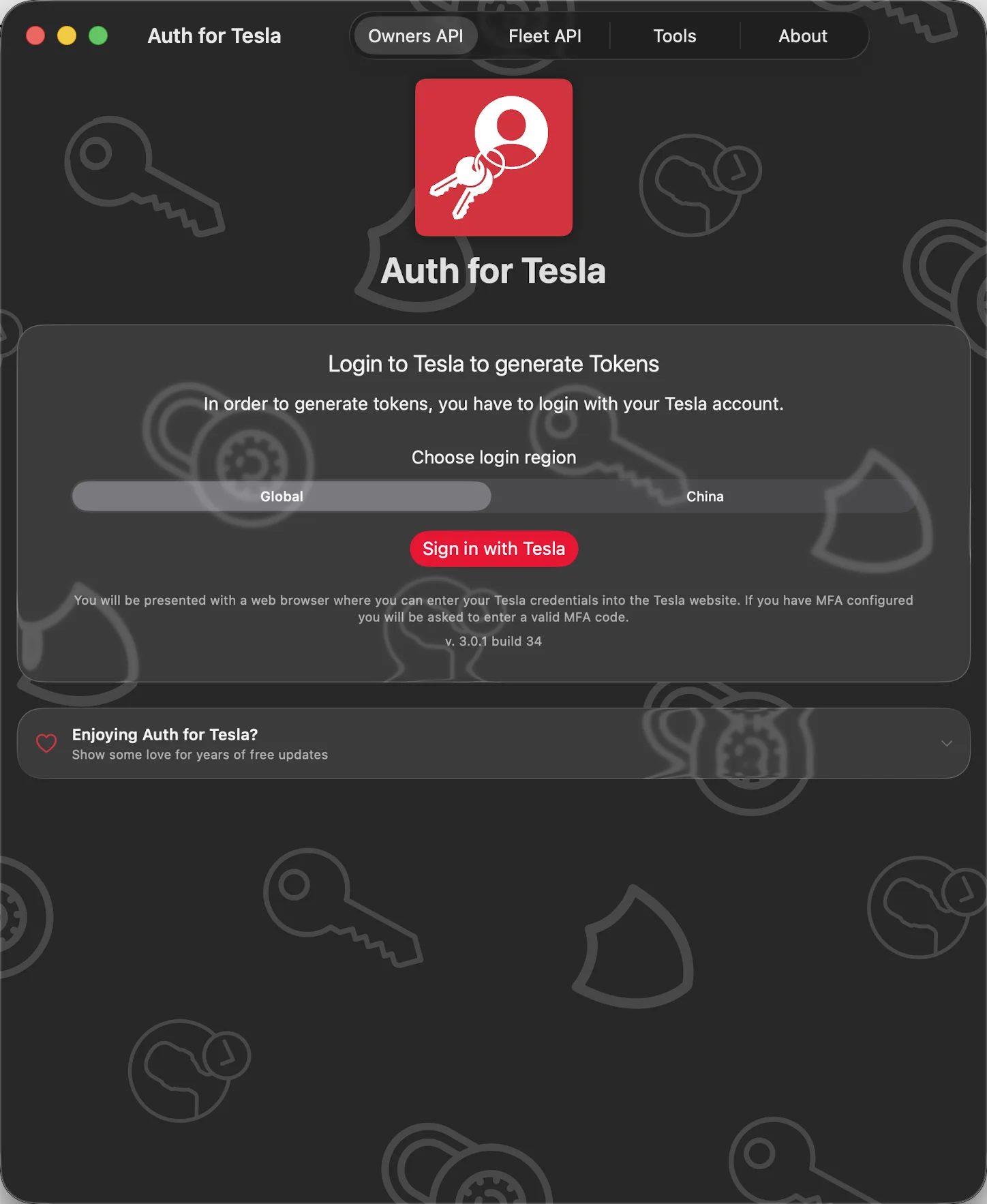
Secure Tesla Sign-In
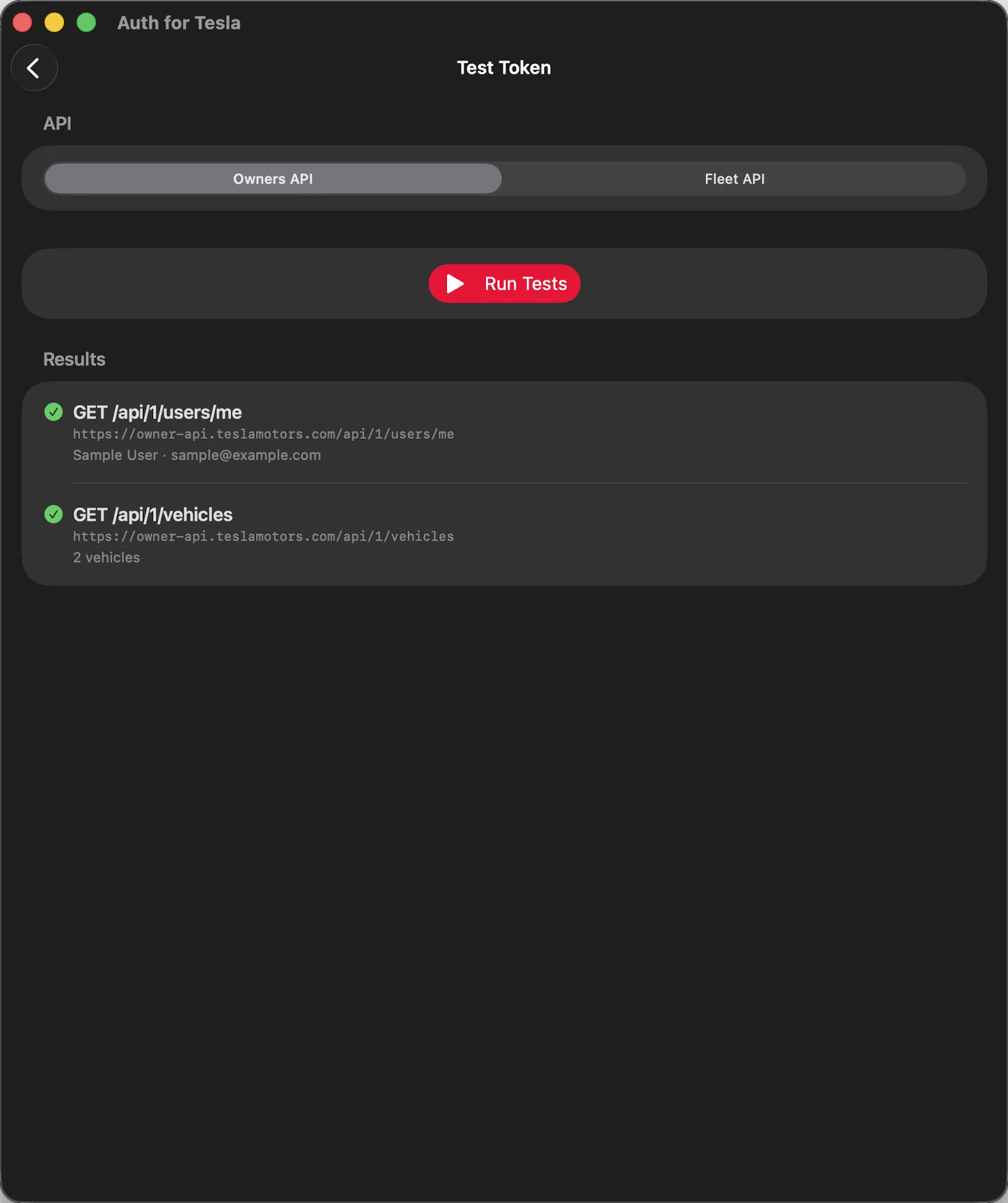
Verify It Actually Works
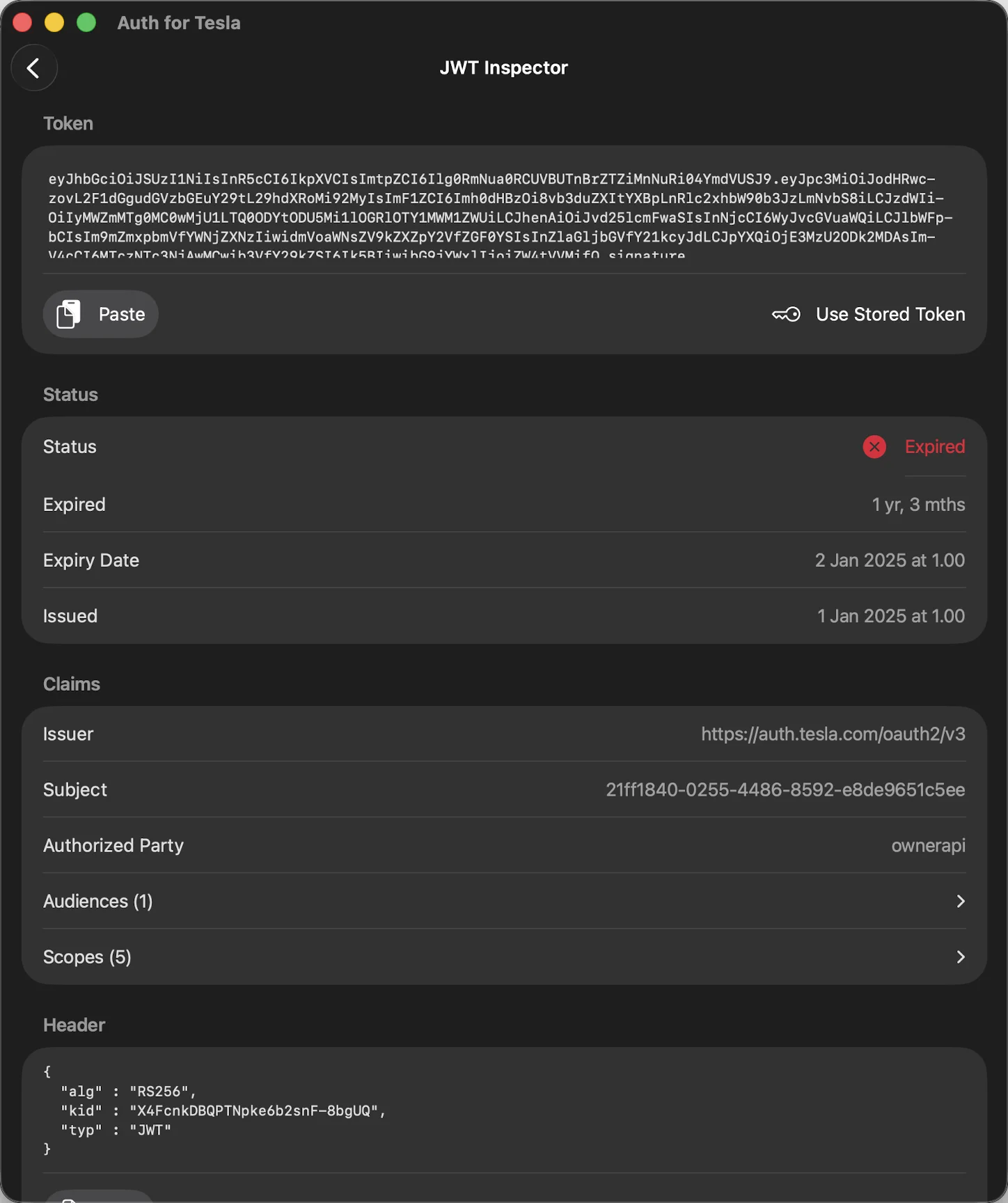
Decode Any JWT, Instantly
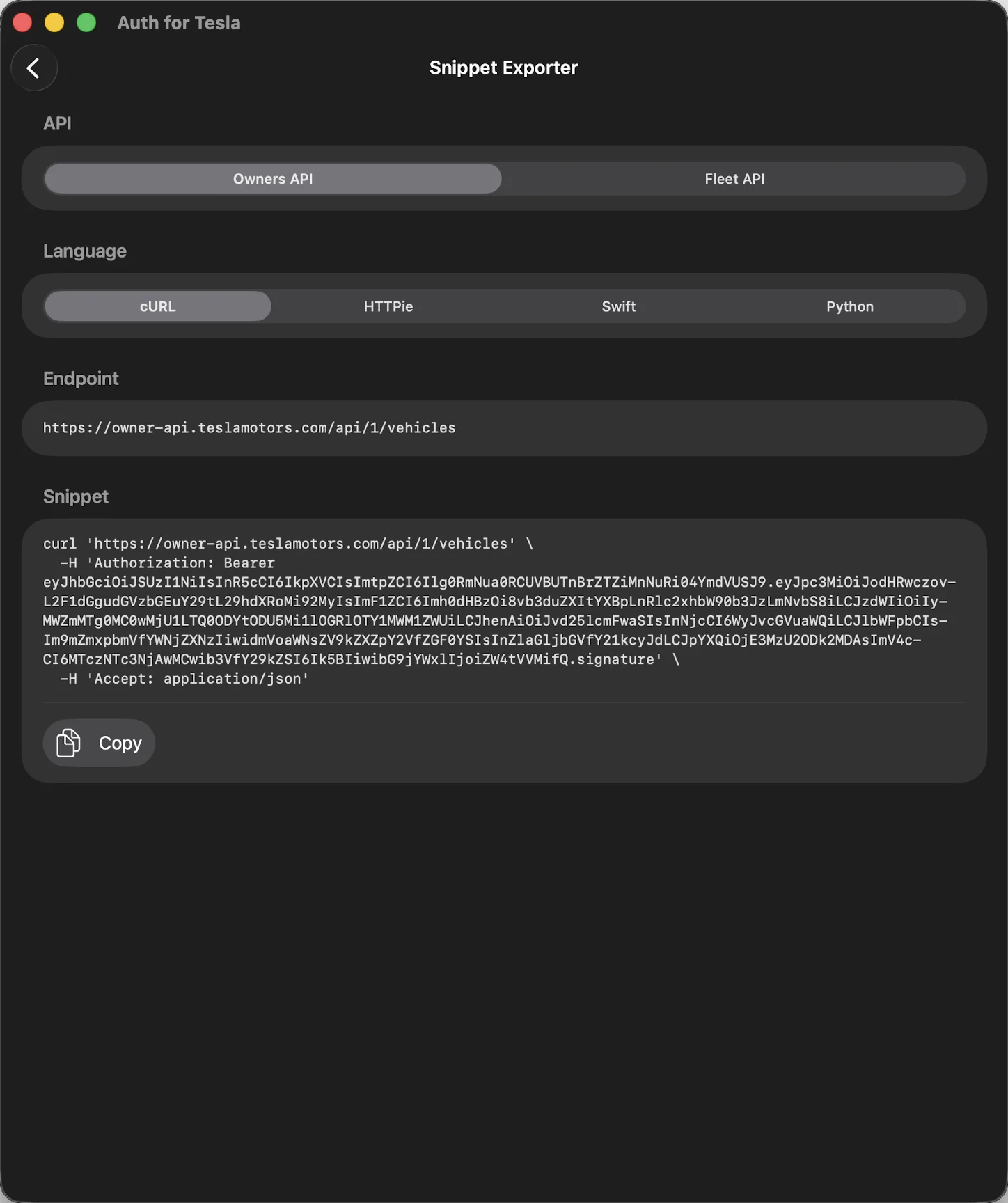
Drop Into Any Codebase
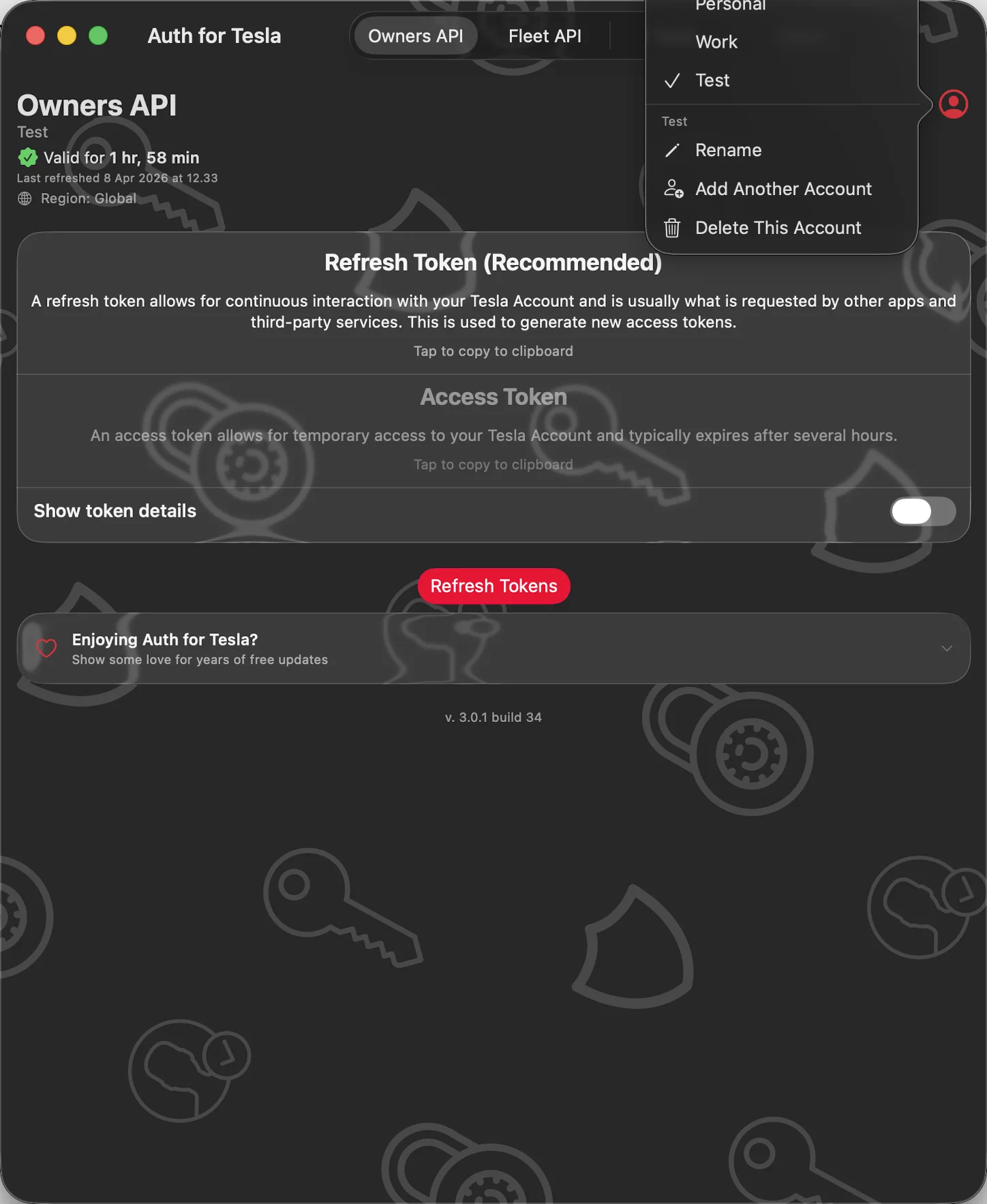
Personal, Work, Test — Side by Side
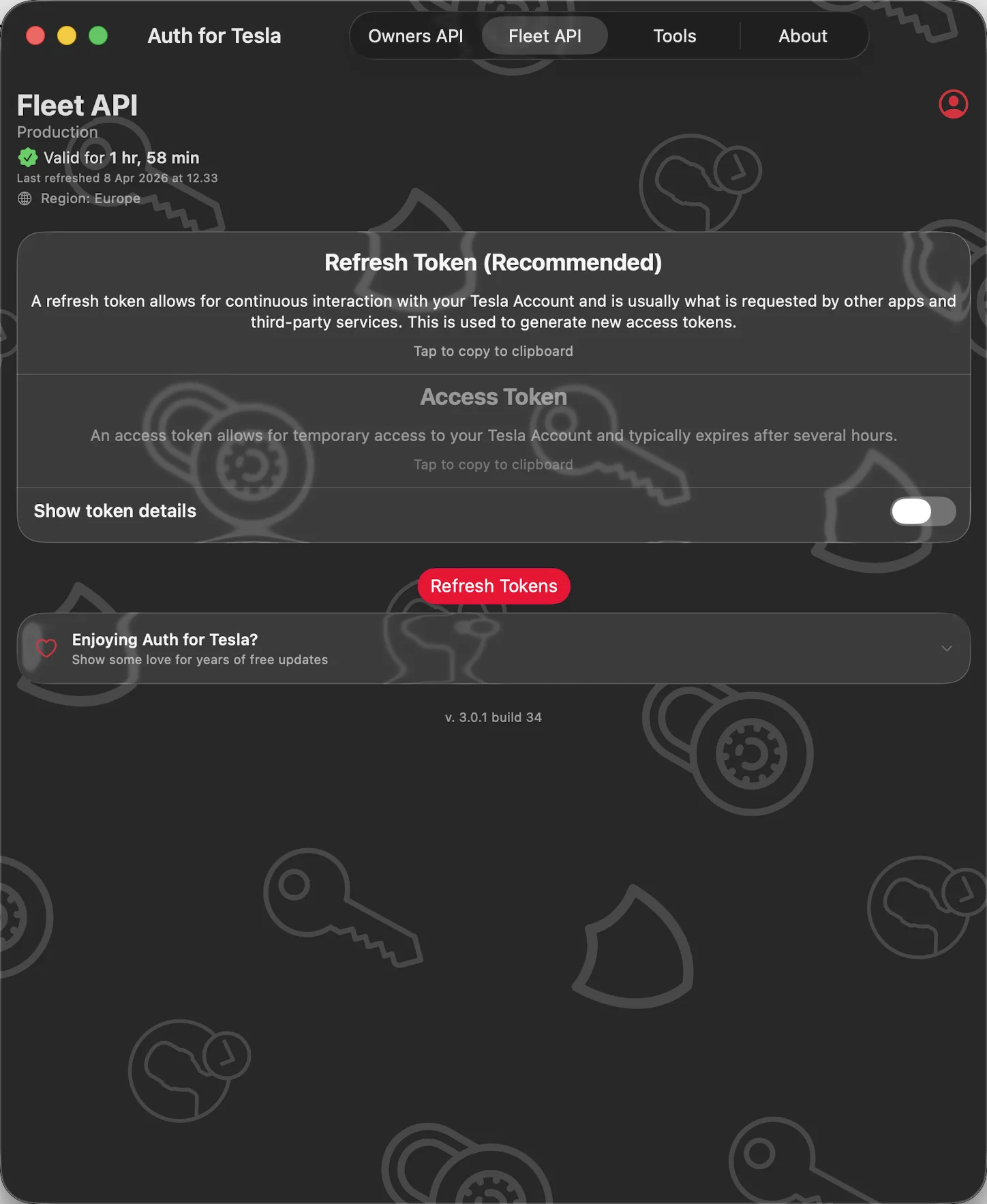
Built for the Fleet API Too
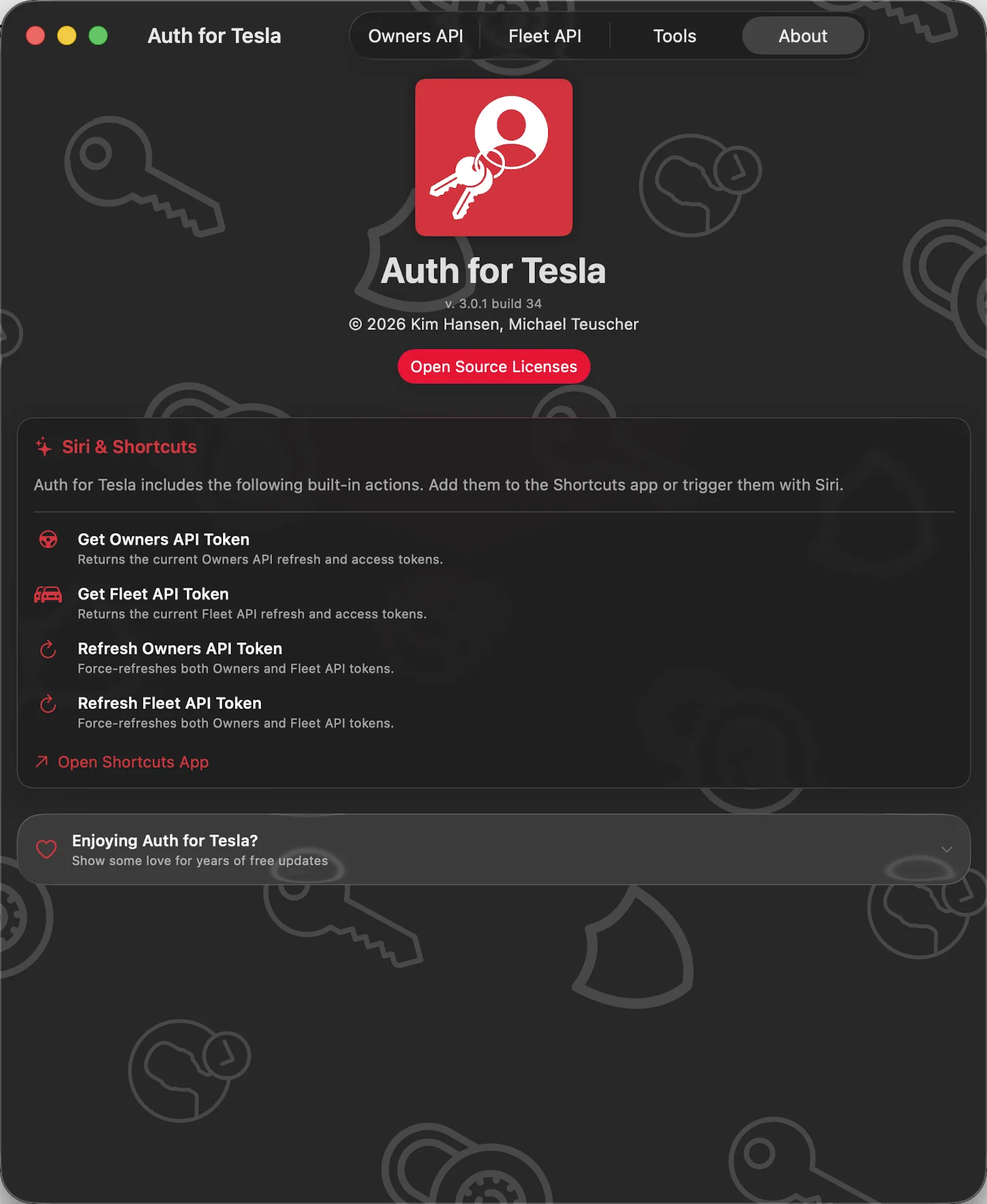
Made for Siri and Shortcuts
Features
Owners API Tokens
Generate the standard v3 token used by most Tesla-compatible apps and Shortcuts.
Fleet API Tokens
Get v4 tokens for developers building on Tesla's modern Fleet API, with auto-detected region (NA, EU, AP, ME, CN).
JWT Inspector
Paste or pick any token to see decoded header, payload, scopes, and expiry. No more flipping to jwt.io.
Snippet Exporter
Copy your active token as ready-to-run cURL, HTTPie, Swift URLRequest, or Python requests — bearer header included.
Test Your Token
Run real read-only Owners or Fleet API diagnostic calls to confirm end-to-end that your token works.
Multiple Accounts
Personal, work, and test profiles per API. One-tap switching, rename, and add — no more signing in twice.
Siri & Shortcuts
Built-in Get and Refresh actions for both APIs. Automations always have a fresh token.
Private by Design
Your credentials go directly to Tesla's secure web view. Tokens stay encrypted in your iCloud Keychain — no analytics, no tracking, no third-party SDKs.
Open Source
Every line of code is publicly available and auditable on GitHub.
About
Auth for Tesla lets you log in to your Tesla account once and instantly get the OAuth tokens you need — for Shortcuts, third-party apps, automation tools, and more.
Completely private by design. Your Tesla username and password are entered directly in a secure in-app browser — they never pass through this app or any server run by the developer.
Redesigned for iOS 26 with the Liquid Glass visual style.